


Stakeholder: Stock Market Game
Play on PC with BlueStacks – the Android Gaming Platform, trusted by 500M+ gamers.

Page Modified on: Oct 16, 2025
Play Stakeholder Idle Game on PC or Mac
Stakeholder Idle Game brings the Simulation genre to life, and throws up exciting challenges for gamers. Developed by boneapps, this Android game is best experienced on BlueStacks, the World’s #1 app player for PC and Mac users.
About the Game
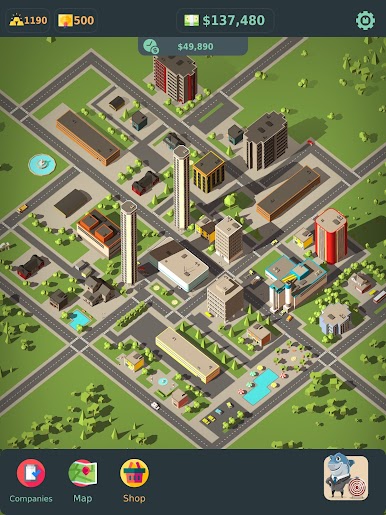
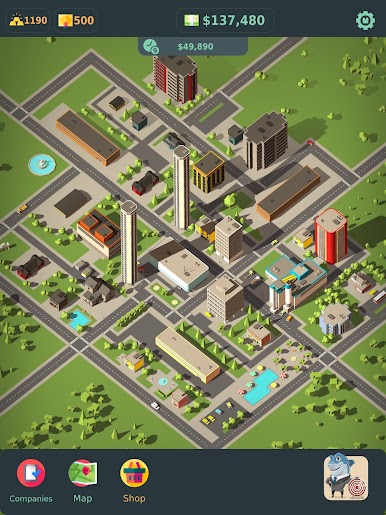
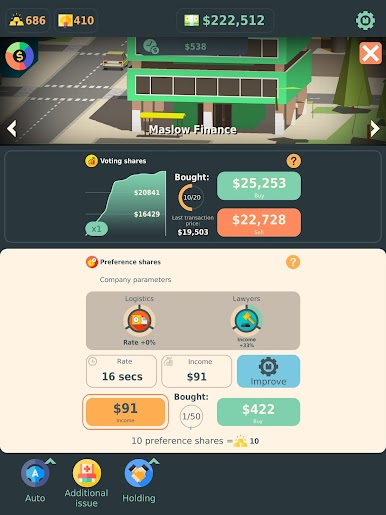
Stakeholder Idle Game is a Simulation from boneapps where you hustle your way from a small stake to a sprawling portfolio. It’s all about buying into companies, merging them into bigger players, and watching your dividends roll in while a living city skyline grows around you. Want a chill management vibe with a stock market twist? This one scratches that itch—and yes, you can also play it on PC with BlueStacks if you prefer a bigger view.
Game Features
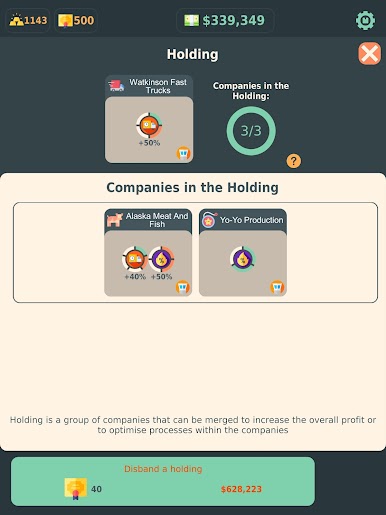
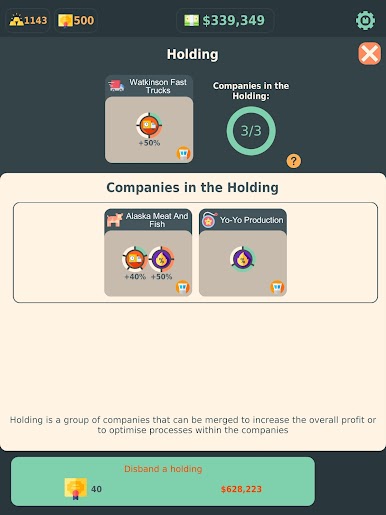
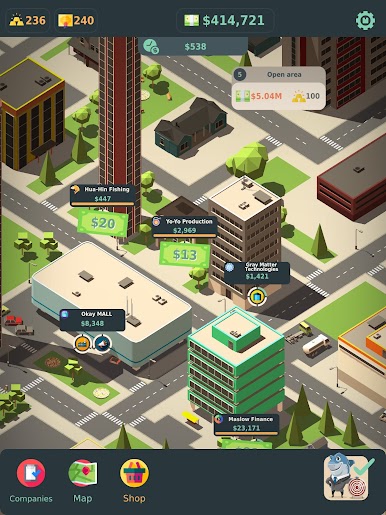
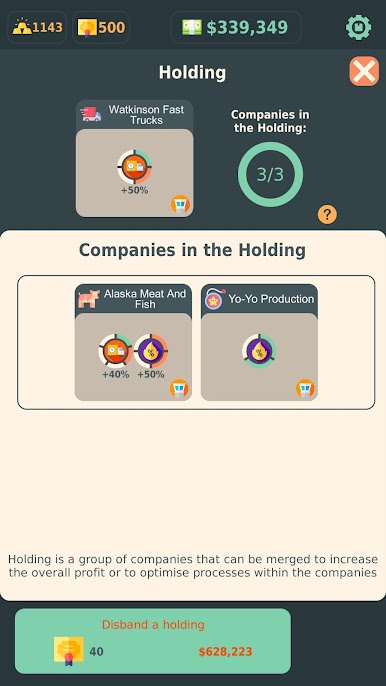
- Build and Merge: Start small, combine companies, and form powerful holdings that boost your overall capital.
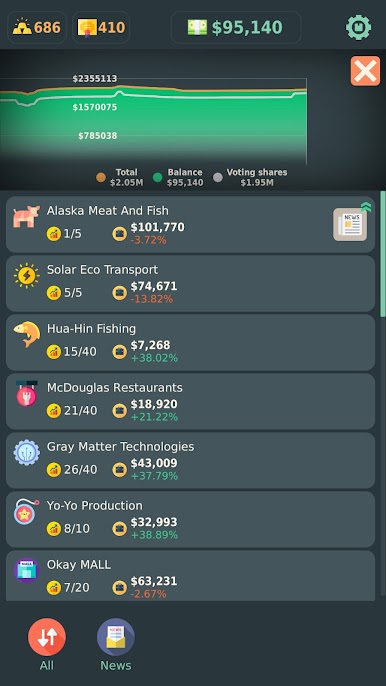
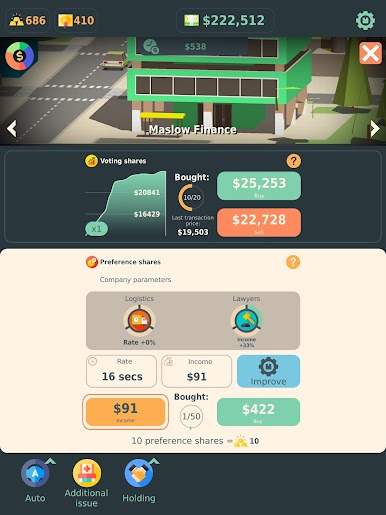
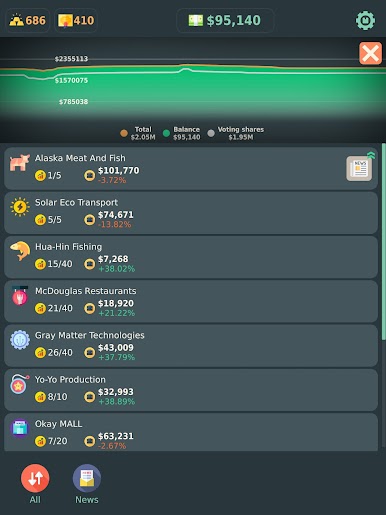
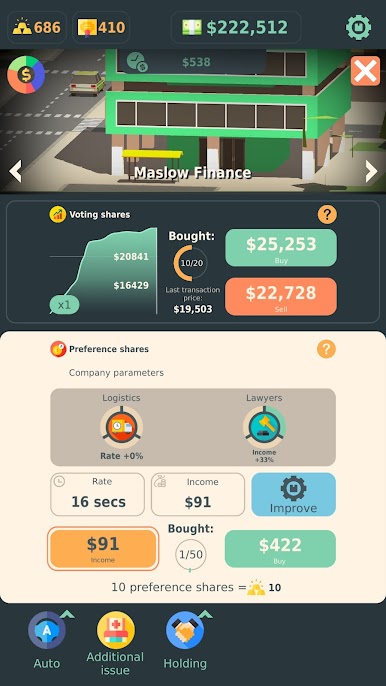
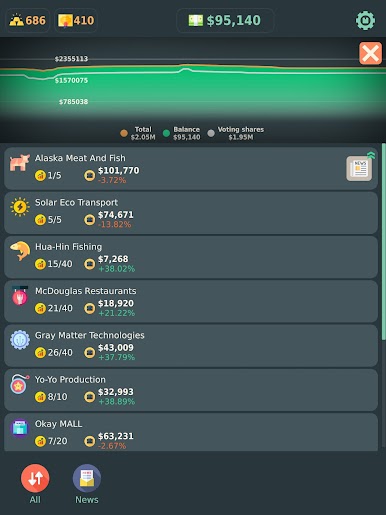
- Buy Shares, Earn Dividends: Pick promising startups, collect payout streams, and reinvest to keep the money machine running.
- News-Driven Trading: Market events and headlines shake prices—react smartly to turn volatility into opportunity.
- Learn by Playing: Pick up the basics of fundamental analysis and portfolio thinking as your decisions shape each run.
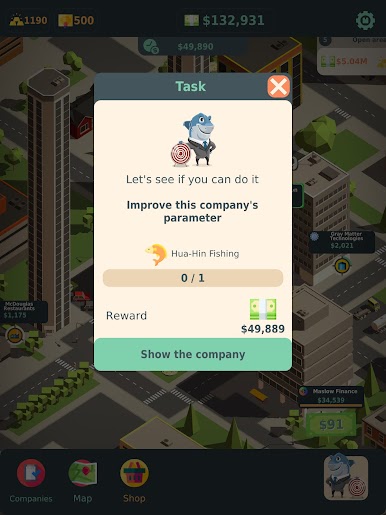
- Expand Your Districts: Unlock new city zones, open departments, and scale operations as your holdings grow.
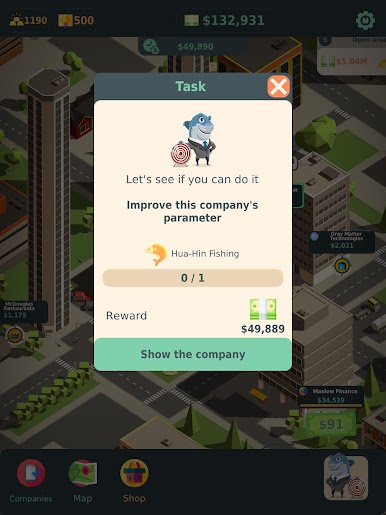
- Optimize Operations: Improve production lines, streamline processes, and put budget into marketing and advertising to widen margins.
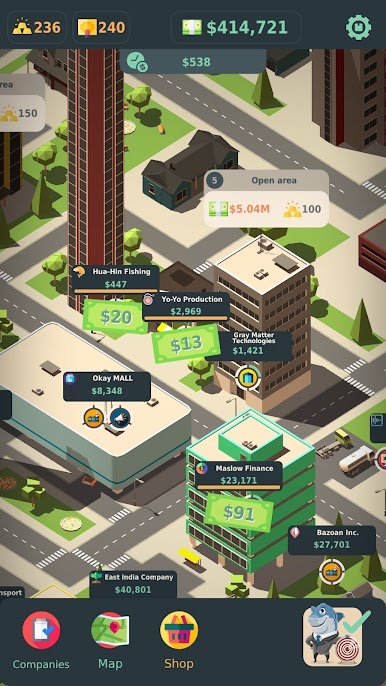
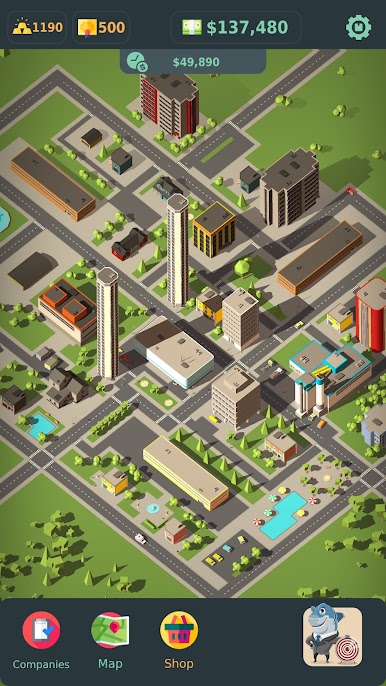
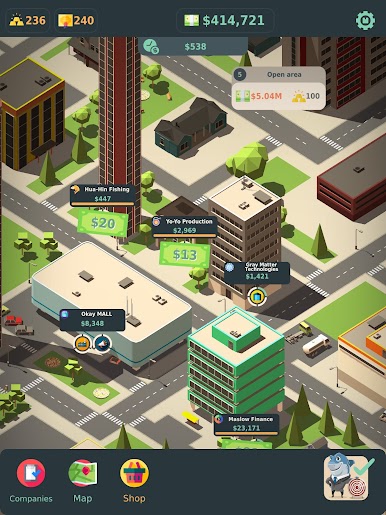
- Strategy at a Glance: Manage everything from a clean, bird’s-eye view—the higher your towers climb, the bigger your presence feels.
- Startup to Conglomerate: Grow from scrappy investor to international stakeholder with a steady flow of passive income fueling your next moves.
- Silicon Valley Energy: Tinker, test, and iterate in a world inspired by tech hubs and fast-moving markets—quick decisions matter.
Get ready for a buttery smooth, high-performance gaming action only on BlueStacks.

Play Stakeholder: Stock Market Game on PC. It’s easy to get started.
-
Download and install BlueStacks on your PC
-
Complete Google sign-in to access the Play Store, or do it later
-
Look for Stakeholder: Stock Market Game in the search bar at the top right corner
-
Click to install Stakeholder: Stock Market Game from the search results
-
Complete Google sign-in (if you skipped step 2) to install Stakeholder: Stock Market Game
-
Click the Stakeholder: Stock Market Game icon on the home screen to start playing

