


このページには広告が含まれます
МТС Линк: вебинары и совещания
ビジネス | VEBINAR TEKHNOLOGII, OOO
BlueStacksを使ってPCでプレイ - 5憶以上のユーザーが愛用している高機能Androidゲーミングプラットフォーム

Play MTS Link: meetings & webinars on PC
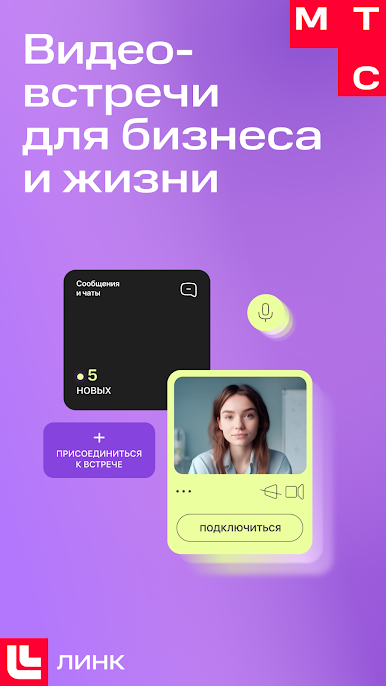
MTS Link - a platform for online meetings, teamwork, and business communications.
Connect from anywhere - high-quality picture and sound.What you will get:
- Simple and intuitive interface
- Automatic recording of events
- Meetings without a time limit
- Stability of communication - service availability level of 99.997%
- Data security - company servers are located in RussiaYou will be able to:
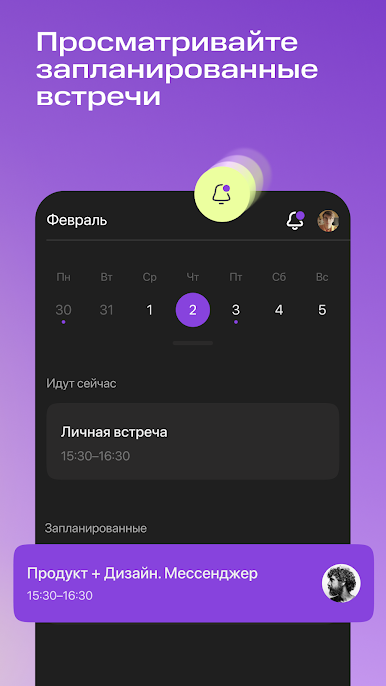
- See all scheduled events
- Quickly create a new meeting in 2 clicks
- Join a meeting or webinar via a link
- Go live with or without video
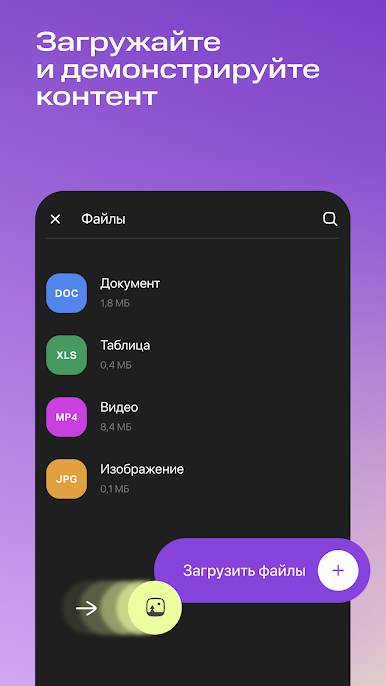
- See the files being shown, presentations, and the screen of participants
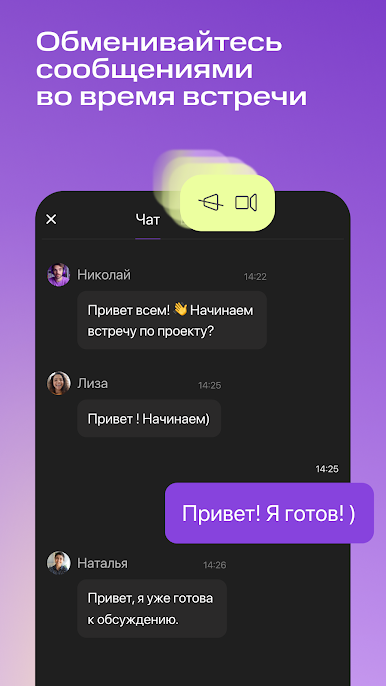
- Write in the chat and ask questions
- Contact technical support right during the meeting
- Participate in tests and polls
We are constantly adding new features and improving the performance of the application. Follow the news!
Connect from anywhere - high-quality picture and sound.What you will get:
- Simple and intuitive interface
- Automatic recording of events
- Meetings without a time limit
- Stability of communication - service availability level of 99.997%
- Data security - company servers are located in RussiaYou will be able to:
- See all scheduled events
- Quickly create a new meeting in 2 clicks
- Join a meeting or webinar via a link
- Go live with or without video
- See the files being shown, presentations, and the screen of participants
- Write in the chat and ask questions
- Contact technical support right during the meeting
- Participate in tests and polls
We are constantly adding new features and improving the performance of the application. Follow the news!
МТС Линк: вебинары и совещанияをPCでプレイ
-
BlueStacksをダウンロードしてPCにインストールします。
-
GoogleにサインインしてGoogle Play ストアにアクセスします。(こちらの操作は後で行っても問題ありません)
-
右上の検索バーにМТС Линк: вебинары и совещанияを入力して検索します。
-
クリックして検索結果からМТС Линк: вебинары и совещанияをインストールします。
-
Googleサインインを完了してМТС Линк: вебинары и совещанияをインストールします。※手順2を飛ばしていた場合
-
ホーム画面にてМТС Линк: вебинары и совещанияのアイコンをクリックしてアプリを起動します。

