


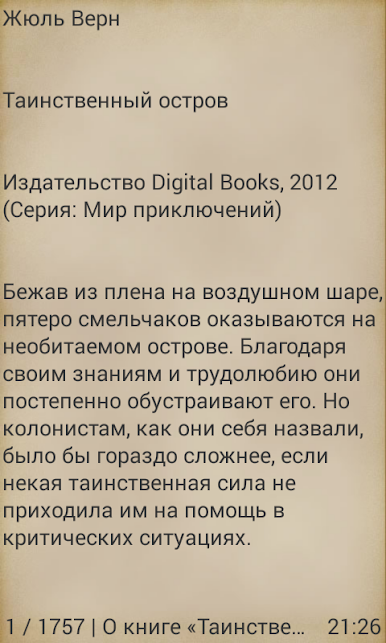
Таинственный остров
Mainkan di PC dengan BlueStacks – platform Game-Game Android, dipercaya oleh lebih dari 500 juta gamer.

Play Таинственный остров on PC
Series: World of Adventure
If you liked the book, don’t consider it difficult - add stars to your reviews about it.
Look for our other publications on the Market! More than 350 books have already been published! See the catalog of all books on the publisher's website http://webvo.virenter.com
Digital Books publishing house is engaged in popularizing works of classical literature and supporting beginning authors. We publish books in the form of applications for mobile devices based on the Android operating system. Using a simple menu, each reader can customize the display of the book to suit the characteristics of their device.
To display text correctly, you need to set the font size to normal in the settings of your smartphone in the “Screen” section!
Books published by Digital Books are small in size and do not require the resources of smartphones and tablets. Our applications do not send SMS from your phones to paid numbers and are not interested in your personal information.
If you write books and want to see your work in the form of an application for mobile devices based on the Android operating system, then contact the publishing house Digital Books (webvoru@gmail.com). For details, see the Publisher's website http://webvo.virenter.com/forauthors.php


Mainkan Таинственный остров di PC Mudah saja memulainya.
-
Unduh dan pasang BlueStacks di PC kamu
-
Selesaikan proses masuk Google untuk mengakses Playstore atau lakukan nanti
-
Cari Таинственный остров di bilah pencarian di pojok kanan atas
-
Klik untuk menginstal Таинственный остров dari hasil pencarian
-
Selesaikan proses masuk Google (jika kamu melewati langkah 2) untuk menginstal Таинственный остров
-
Klik ikon Таинственный остров di layar home untuk membuka gamenya

