


Workzilla
Spiele auf dem PC mit BlueStacks - der Android-Gaming-Plattform, der über 500 Millionen Spieler vertrauen.

Seite geändert am: Nov 5, 2025
Play Workzilla on PC
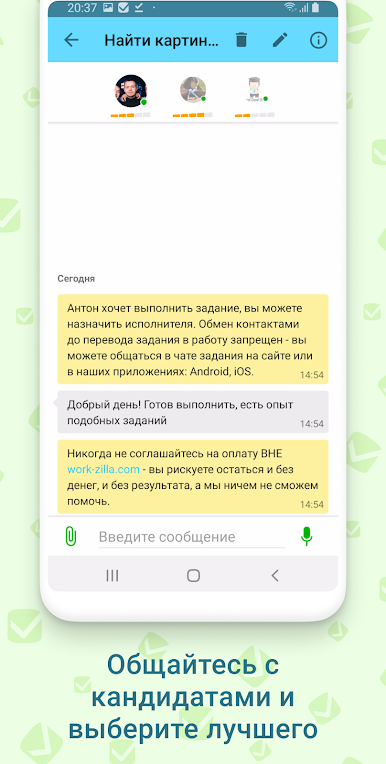
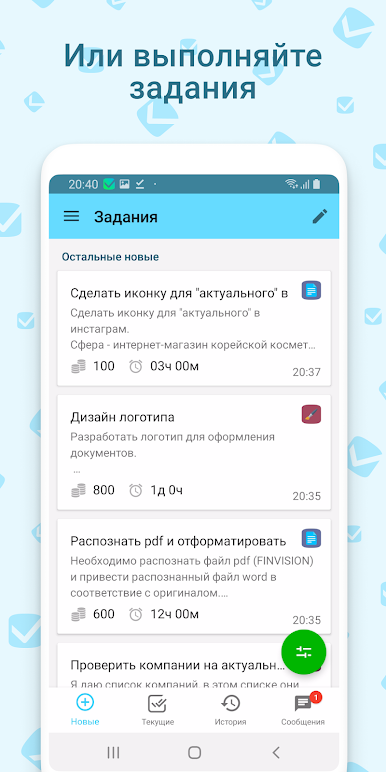
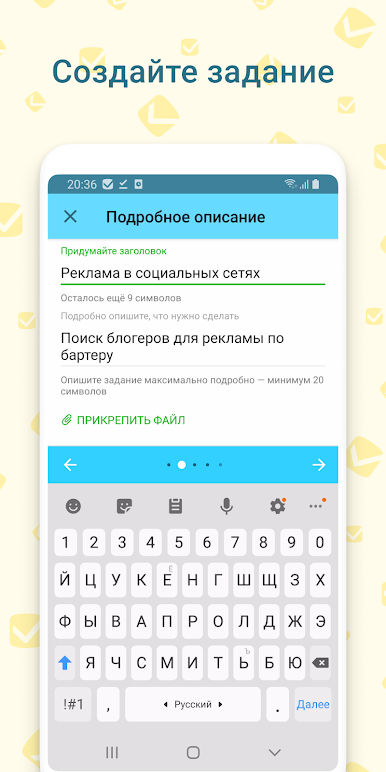
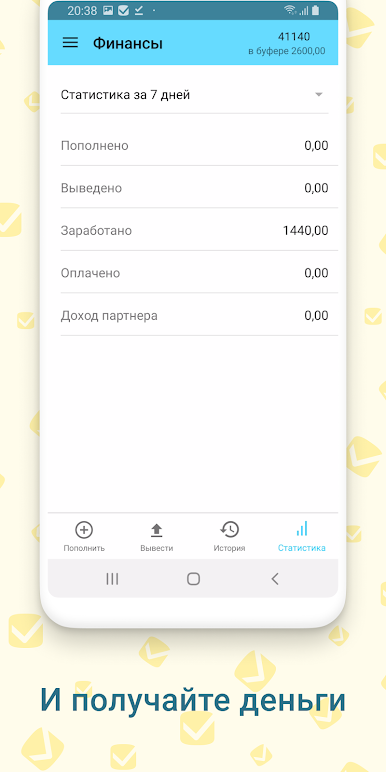
Surely you have affairs in which you do not understand or for which there is not enough time. The Workzilla app is a whole staff of specialists right in your pocket.
Freelancers also install the application because working from home has never been so easy: orders come directly to your smartphone.
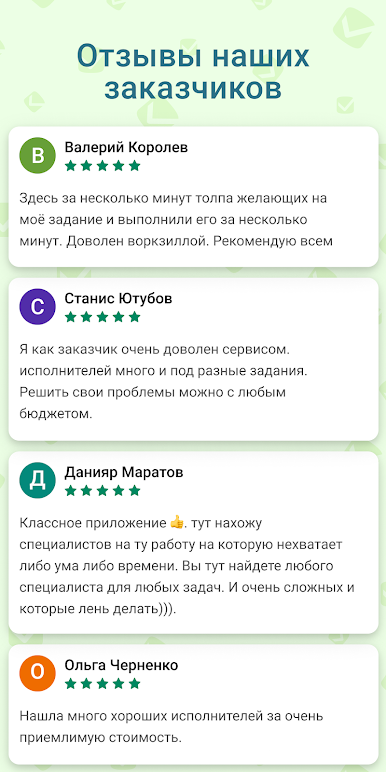
In our work, we take into account your feedback. Therefore, if you have questions or suggestions, contact us: support@work-zilla.com
Regards, Workzilla Team

Spiele Workzilla auf dem PC. Der Einstieg ist einfach.
-
Lade BlueStacks herunter und installiere es auf deinem PC
-
Schließe die Google-Anmeldung ab, um auf den Play Store zuzugreifen, oder mache es später
-
Suche in der Suchleiste oben rechts nach Workzilla
-
Klicke hier, um Workzilla aus den Suchergebnissen zu installieren
-
Schließe die Google-Anmeldung ab (wenn du Schritt 2 übersprungen hast), um Workzilla zu installieren.
-
Klicke auf dem Startbildschirm auf das Workzilla Symbol, um mit dem Spielen zu beginnen

