


Solve math problem by photo
BlueStacksを使ってPCでプレイ - 5憶以上のユーザーが愛用している高機能Androidゲーミングプラットフォーム

PCでSolve math problem by photoをプレイ
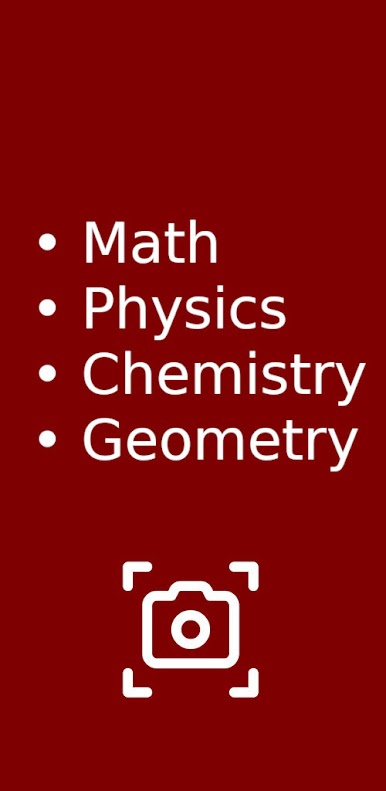
アプリケーションの主な機能:
- 写真から数学の問題を解く
- 写真から幾何学の問題を解決する
- 写真から物理学の問題を解く
- 写真から化学の問題を解く
- 写真から方程式を解く
- 学校や生徒の問題へのサポート
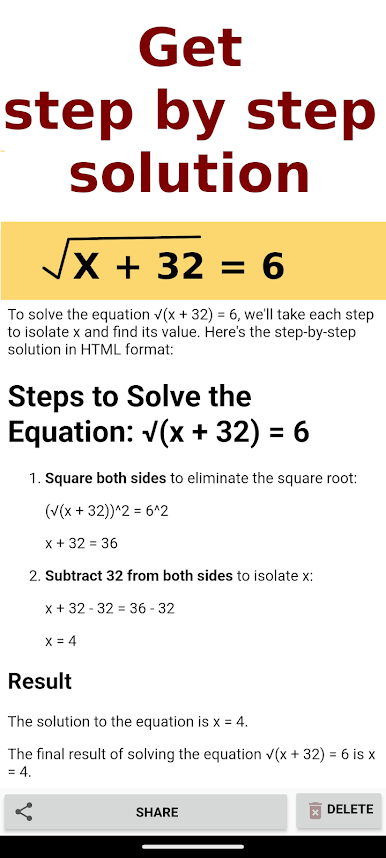
- 段階的な説明と解決策
主な機能:
- 写真から数学の問題を解く: 方程式、不等式、連立方程式、対数、三角法など。
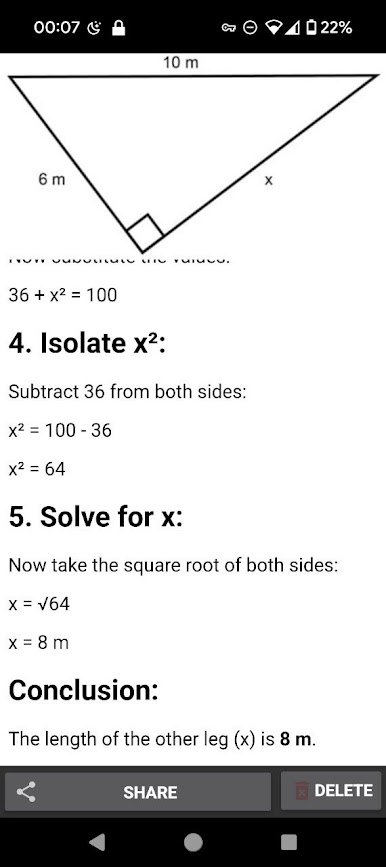
- 幾何学問題: 面積、体積、角度、辺の計算、構造に関する問題を解決します。
- 物理問題: ニュートンの法則、運動学、力学、電気、熱力学、その他のセクション。
- 化学の問題: 反応方程式、式の計算、分子量、化学量論。
- あらゆるレベルをサポート : 小学校から大学のコースまで。
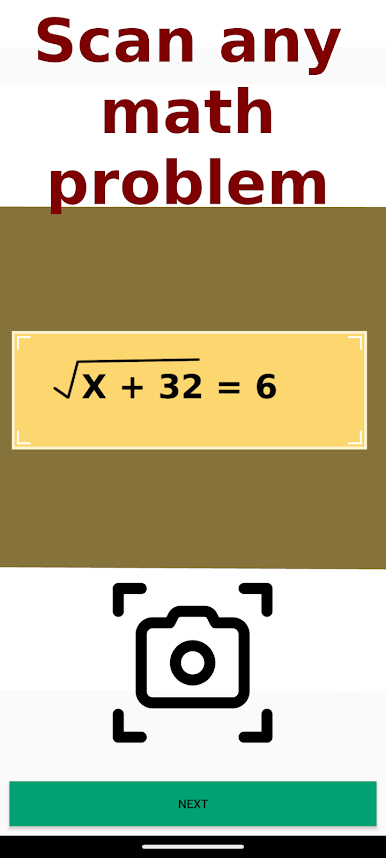
- 便利なインターフェース: 問題の写真を撮るだけで、数秒で段階的な解決策が得られます。
- ステップバイステップの説明: すべてのステップを理解できるように、詳細な手順と解決策が記載されています。
このアプリの対象者:
- 数学、幾何学、物理学、化学の宿題をすぐに解決する必要がある学童。
- 複雑な問題や例を解決するためのツールを探している学生。
- お子様の宿題を手伝いたい保護者の方。
私たちのアプリを選ぶ理由:
- 即時解決策: 待つ必要はなく、すぐに答えが得られます。
- 精度と信頼性: 当社のアルゴリズムは高精度のソリューションを提供します。
- 教育的価値: ステップバイステップのソリューションは、内容をより深く理解し、試験の準備に役立ちます。
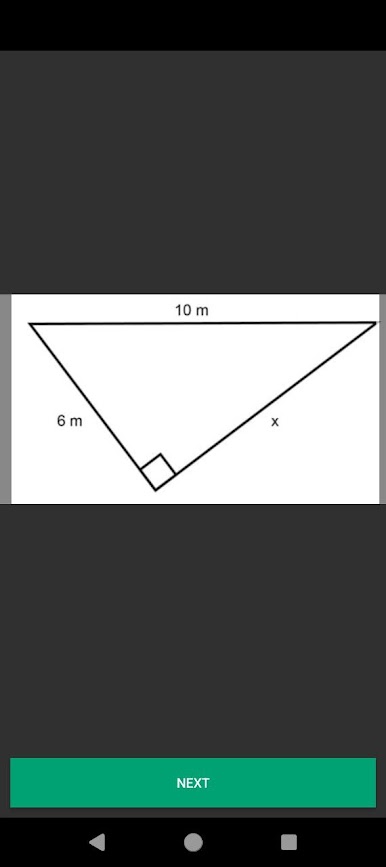
Solve math problem by photoをPCでプレイ
-
BlueStacksをダウンロードしてPCにインストールします。
-
GoogleにサインインしてGoogle Play ストアにアクセスします。(こちらの操作は後で行っても問題ありません)
-
右上の検索バーにSolve math problem by photoを入力して検索します。
-
クリックして検索結果からSolve math problem by photoをインストールします。
-
Googleサインインを完了してSolve math problem by photoをインストールします。※手順2を飛ばしていた場合
-
ホーム画面にてSolve math problem by photoのアイコンをクリックしてアプリを起動します。

