


Japanese Reading
5억명 이상의 게이머가 신뢰하는 안드로이드 게임 플랫폼 BlueStacks으로 PC에서 플레이하세요.

Run Japanese Reading on PC or Mac
Let BlueStacks turn your PC, Mac, or laptop into the perfect home for Japanese Reading, a fun Education app from Greycastle.
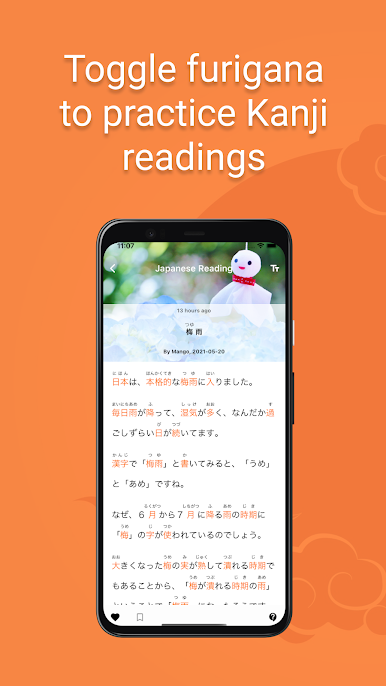
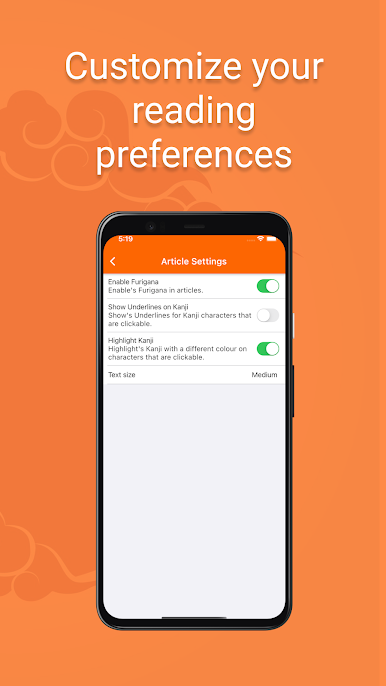
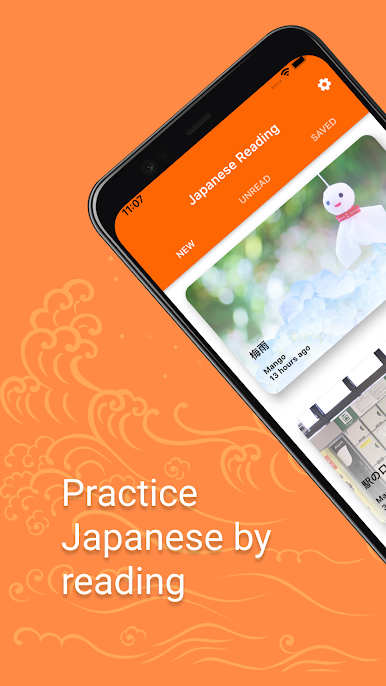
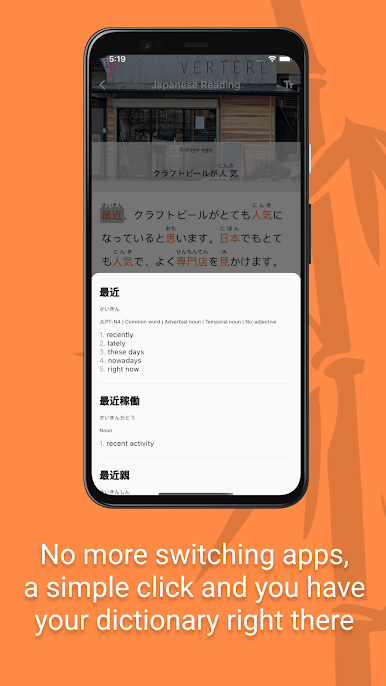
Japanese Reading is a handy little app for anyone who’s at that stage of learning where reading real Japanese still feels a bit overwhelming. It pulls in short news articles from NHK, but the language isn’t too tough—most of the stuff sits at around N3 or N4 level, so it works well if someone’s past the basics but not quite fluent. There’s furigana above all the tricky kanji so guessing the readings isn’t needed, and everything—hiragana, katakana, kanji—gets some love here. One big plus is the built-in dictionary; just tap a word you don’t recognize and the definition pops up, which is such a relief for longer sentences or newspaper jargon.
It seems like there are fresh articles showing up nearly every day, so practice material doesn’t really run out. Plus, it’s all free and set up so folks can just open it and read a quick story without any fussing around with subscriptions. On PC with BlueStacks, it feels pretty smooth—kind of like having a little reading corner on the desktop instead of juggling tabs and dictionary apps all the time. So, for someone wanting a gentle push into reading more Japanese without constant textbook drills, this app is a nice, low-pressure way to do it.
BlueStacks brings your apps to life on a bigger screen—seamless and straightforward.

PC에서 Japanese Reading 플레이해보세요.
-
BlueStacks 다운로드하고 설치
-
Google Play 스토어에 로그인 하기(나중에 진행가능)
-
오른쪽 상단 코너에 Japanese Reading 검색
-
검색 결과 중 Japanese Reading 선택하여 설치
-
구글 로그인 진행(만약 2단계를 지나갔을 경우) 후 Japanese Reading 설치
-
메인 홈화면에서 Japanese Reading 선택하여 실행

