


SAS – Scandinavian Airlines
Spiele auf dem PC mit BlueStacks - der Android-Gaming-Plattform, der über 500 Millionen Spieler vertrauen.

Seite geändert am: Nov 28, 2025
Play SAS – Scandinavian Airlines on PC
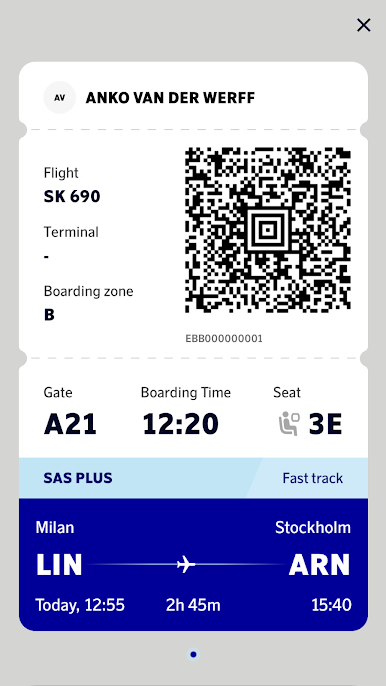
Check in from the comfort of your home and get your boarding pass on your phone for easy access, even when you don't have wifi.
Journeys that matter with Scandinavian Airlines
APP FEATURES
Manage your booking
• Change it if you need to and get flight updates sent to your phone.
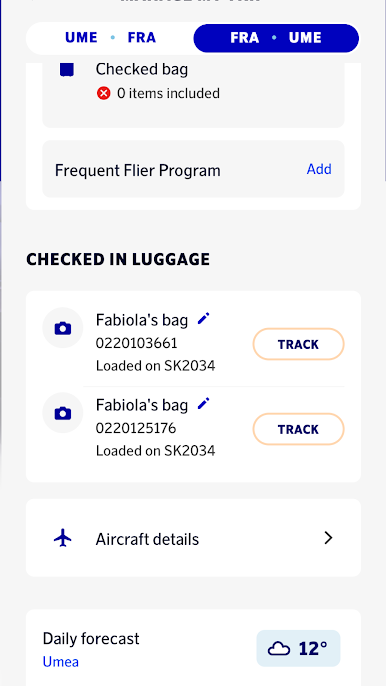
• Enjoy quick access to all details of your trip.
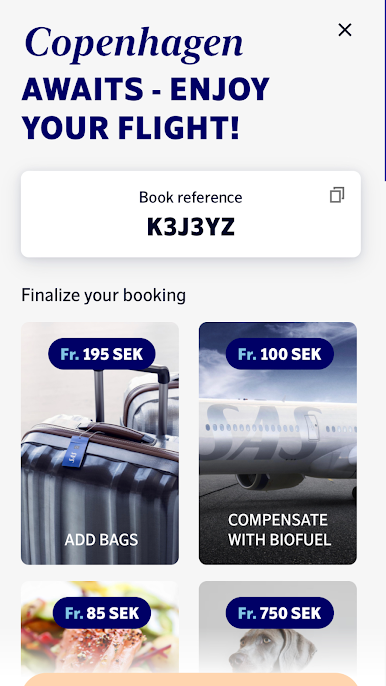
• Add extras to make your travel even better – inflight meals, extra bags, lounge access and upgrades to a more comfortable travel class are just a few clicks away.
• Book hotels and rental cars, all at your fingertips.
• Get information and tips on your destination.
Easy check-in
• Check in from 22 hours before departure.
• Get your digital boarding card instantly.
• Choose your favorite seat.
• Save your passport information for a smoother experience.
For EuroBonus members
• Access your digital EuroBonus membership card.
• See your points.
• Enjoy easy access to a SAS Smart Pass.
If you’re not already enjoying the benefits of EuroBonus, join here: https://www.flysas.com/en/register
ENTERTAINMENT
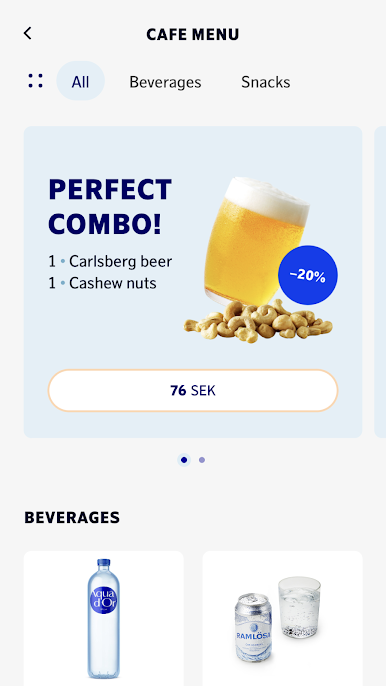
From 22 hours before departure, you can read newspapers, magazines and books in the app in several languages, free of charge. Our lifestyle magazine, Scandinavian Traveler, and our inflight menu are always available in the app.
SUSTAINABILITY
We're always working to make travel more sustainable, from developing innovative technical solutions to small but significant improvements in our daily operations. Learn more about how we're taking many steps in the right direction to make our journeys more sustainable:
https://www.facebook.com/SAS
Instagram @ https://www.instagram.com/flySAS
YouTube @ https://www.youtube.com/channel/SAS
Twitter @ https://twitter.com/SAS
*****
The SAS App is the indispensable travel assistant and companion that keeps you updated about your flight and reminds you when it's time to check in and board.
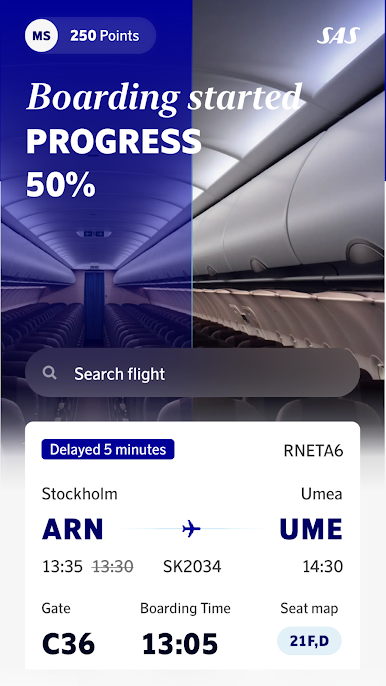
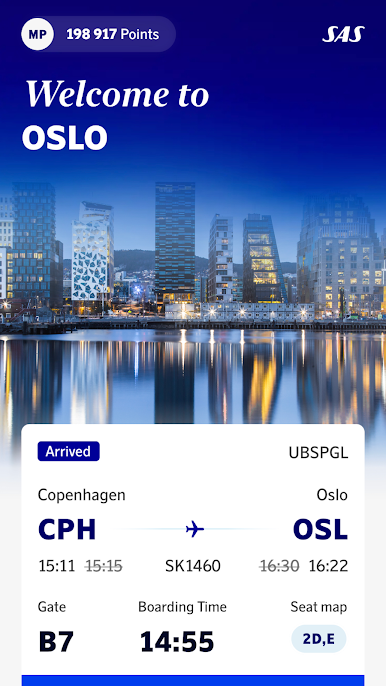
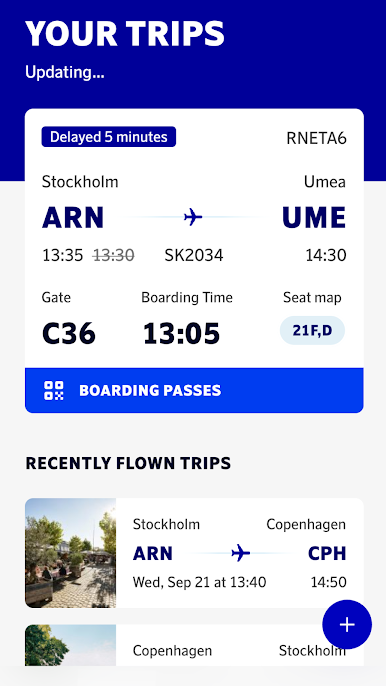
Spiele SAS – Scandinavian Airlines auf dem PC. Der Einstieg ist einfach.
-
Lade BlueStacks herunter und installiere es auf deinem PC
-
Schließe die Google-Anmeldung ab, um auf den Play Store zuzugreifen, oder mache es später
-
Suche in der Suchleiste oben rechts nach SAS – Scandinavian Airlines
-
Klicke hier, um SAS – Scandinavian Airlines aus den Suchergebnissen zu installieren
-
Schließe die Google-Anmeldung ab (wenn du Schritt 2 übersprungen hast), um SAS – Scandinavian Airlines zu installieren.
-
Klicke auf dem Startbildschirm auf das SAS – Scandinavian Airlines Symbol, um mit dem Spielen zu beginnen

