


Battery Alarm PRO
Chơi trên PC với BlueStacks - Nền tảng chơi game Android, được hơn 500 triệu game thủ tin tưởng.

Trang đã được sửa đổi vào: Nov 11, 2025
Run Battery Alarm PRO on PC or Mac
Upgrade your experience. Try Battery Alarm PRO, the fantastic Tools app from Zoran Vujacic, from the comfort of your laptop, PC, or Mac, only on BlueStacks.
About the App
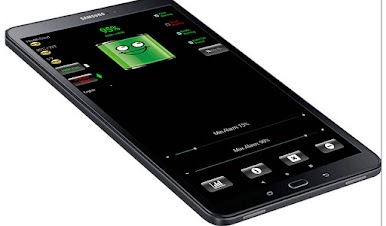
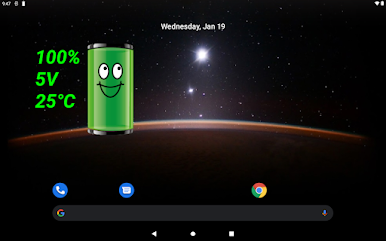
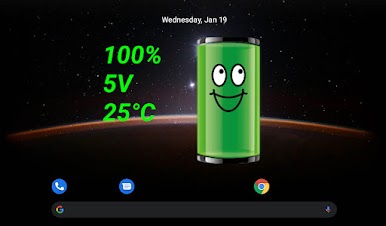
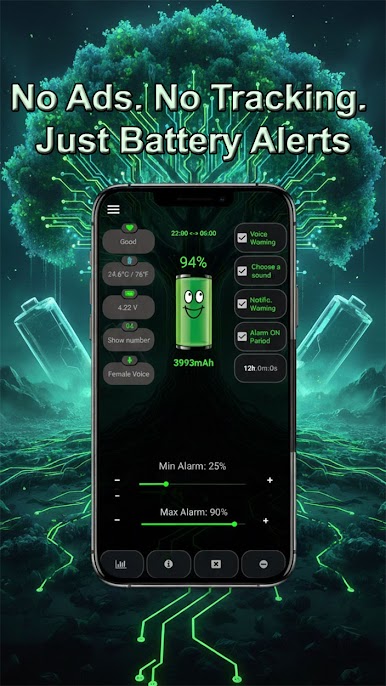
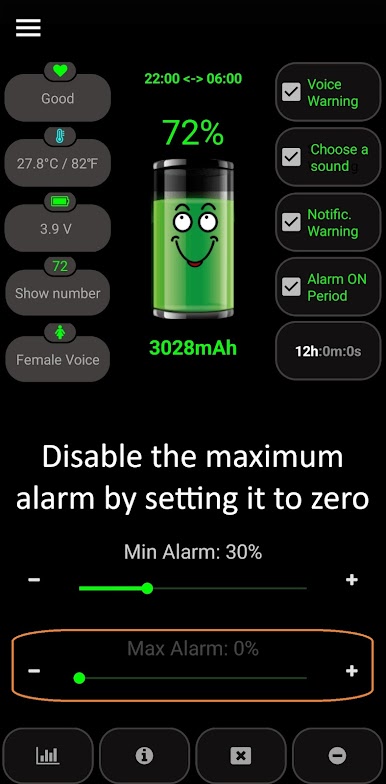
Ever get so lost in what you’re doing you miss that important battery warning? Battery Alarm PRO by Zoran Vujacic is here to help you avoid those last-minute panics by letting you know exactly when your battery’s running low—or getting too full. Instead of squinting at your phone to catch the tiny icon, this app keeps you in the loop with clear and customizable alerts, so you can relax and focus on what matters.
App Features
-
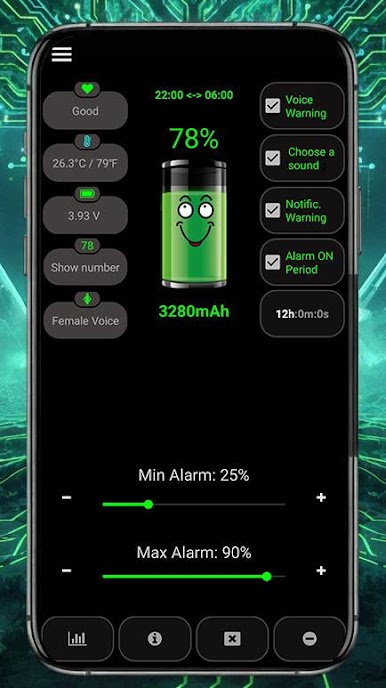
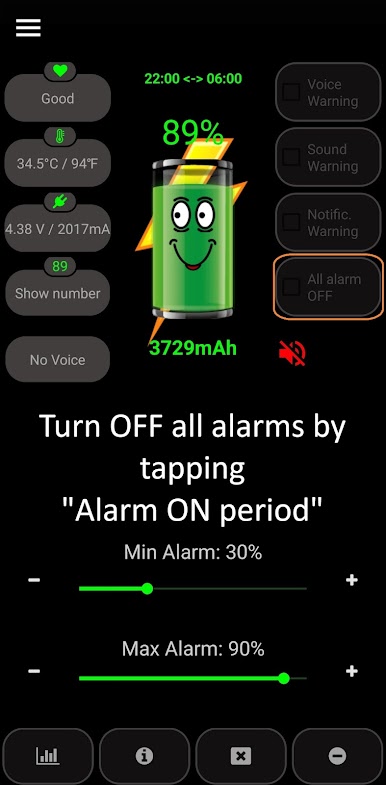
Personalized Voice Alerts
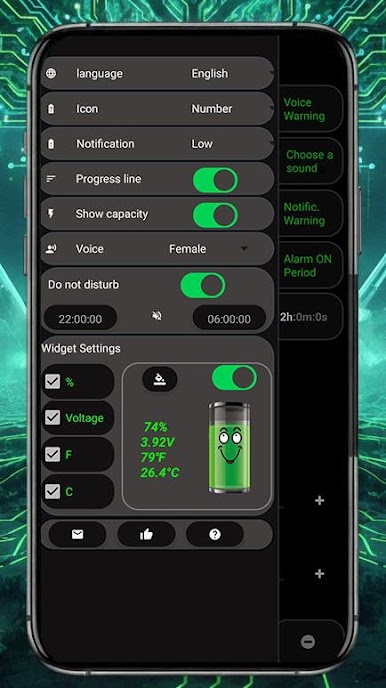
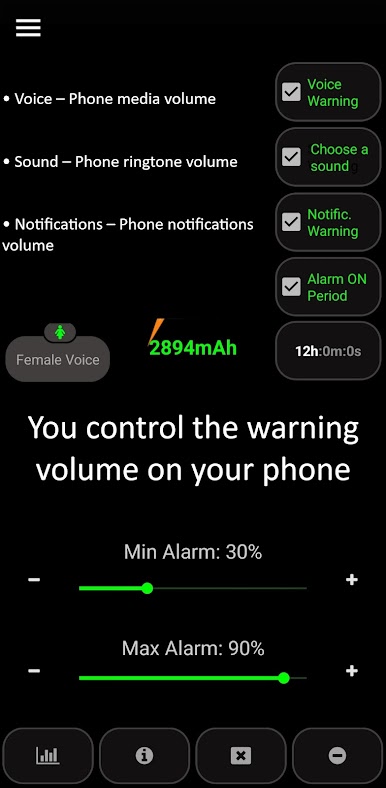
Choose whether you’d like a male or female voice to announce your battery status. For some languages, only a female voice is available, but the notifications are clear and easy to understand. -
Custom Alarm Settings
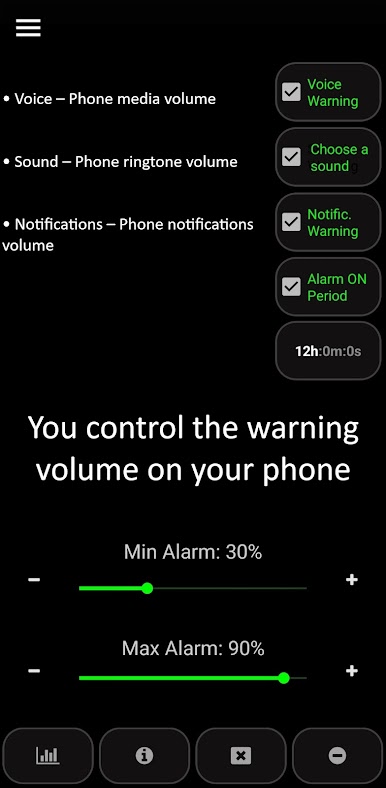
Set both minimum and maximum battery levels to trigger alarms just how you want. No more surprises—know when your battery needs attention, whether it’s dipping too low or overcharging. -
Replay and Repeat Mode
Want a second (or third!) reminder? Set the alert to repeat at timed intervals so you really don’t miss it. -
Status Bar Icon Control
You can show or hide the Battery Alarm PRO icon in your status bar. It’s your choice—keep the notification front and center, or tuck it away for a cleaner look (works on Android 7.0 and above). -
No Extra Drain
Worried about battery usage? This app runs light and doesn’t lean on your internet, GPS, or WiFi—just does its thing quietly in the background. -
Multi-language Support
Whether you speak English, Japanese, Russian, or anything in between, Battery Alarm PRO has you covered with alerts in a wide range of languages. -
Hands-Off Experience
Once it’s set up, you barely need to think about the app—it just works. And if you happen to use BlueStacks, you’ll notice the alerts are just as handy when you’re on your PC.
BlueStacks gives you the much-needed freedom to experience your favorite apps on a bigger screen. Get it now.




Chơi Battery Alarm PRO trên PC. Rất dễ để bắt đầu
-
Tải và cài đặt BlueStacks trên máy của bạn
-
Hoàn tất đăng nhập vào Google để đến PlayStore, hoặc thực hiện sau
-
Tìm Battery Alarm PRO trên thanh tìm kiếm ở góc phải màn hình
-
Nhấn vào để cài đặt Battery Alarm PRO trong danh sách kết quả tìm kiếm
-
Hoàn tất đăng nhập Google (nếu bạn chưa làm bước 2) để cài đặt Battery Alarm PRO
-
Nhấn vào icon Battery Alarm PRO tại màn hình chính để bắt đầu chơi

