

Notes Widget Reminder
5억명 이상의 게이머가 신뢰하는 안드로이드 게임 플랫폼 BlueStacks으로 PC에서 플레이하세요.

Run Notes Widget Reminder on PC or Mac
Upgrade your experience. Try Notes Widget Reminder, the fantastic Productivity app from Milan Sillik, from the comfort of your laptop, PC, or Mac, only on BlueStacks.
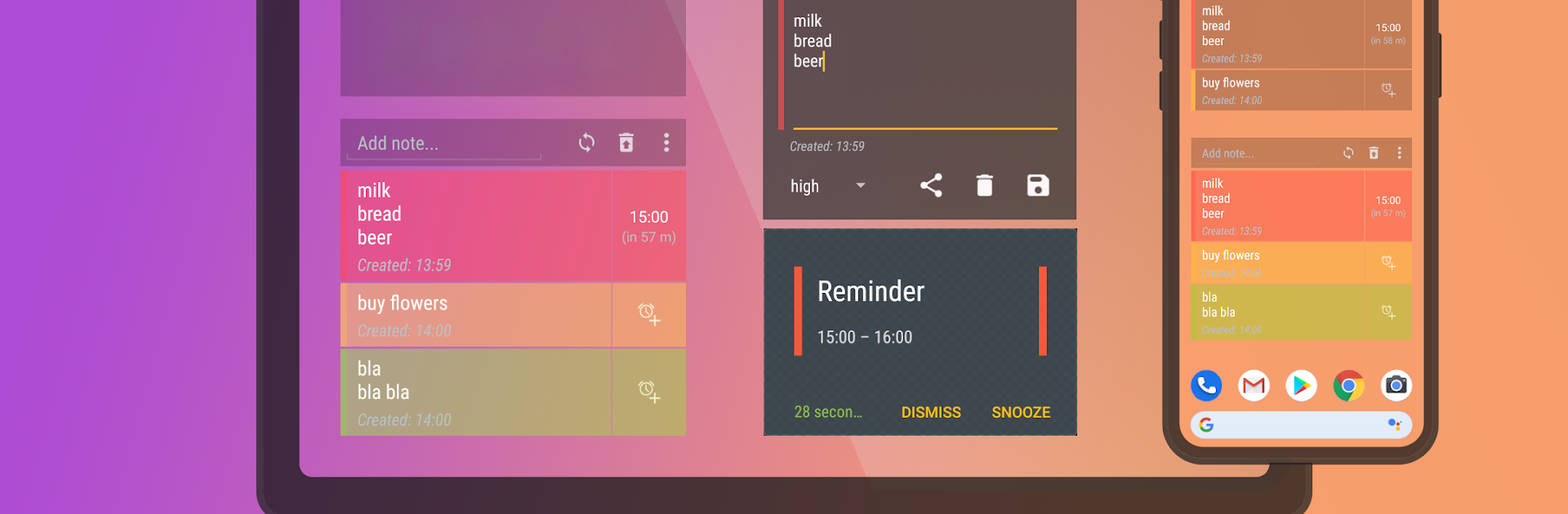
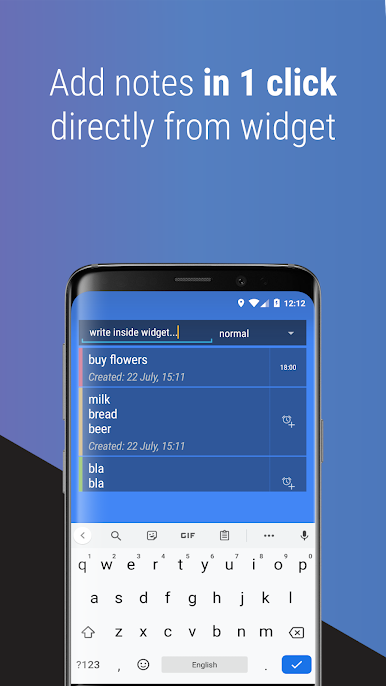
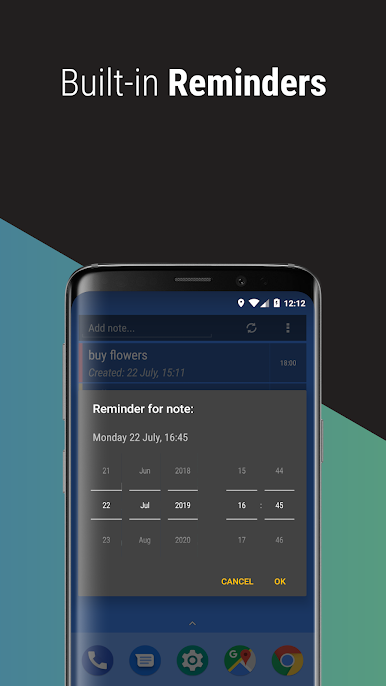
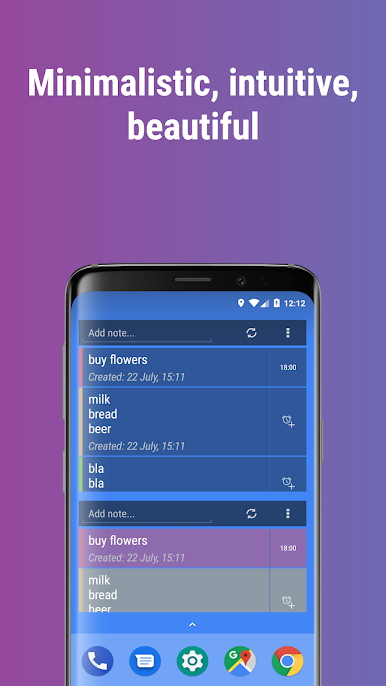
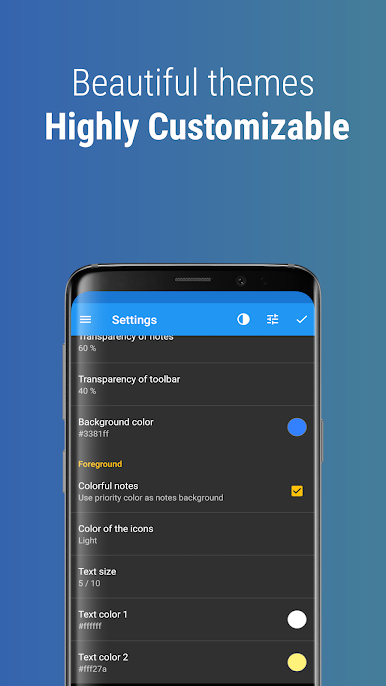
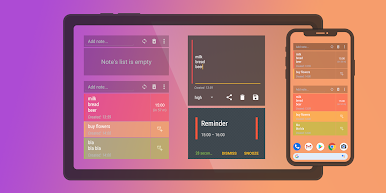
Notes Widget Reminder feels like a sticky note that actually gets your attention when it matters. It is very minimal, in a good way. No clutter, no long setup. You drop a widget on the home screen and just type right into it. One tap to make it a reminder, and it behaves like a real reminder with a full minute ring so it does not vanish as a tiny beep. It is the kind of tool that lets someone capture a thought, a grocery item, or a call-back without opening another screen or digging through menus. The whole point is speed and staying out of the way.
On PC with BlueStacks, it is surprisingly handy because typing long notes with a keyboard is faster and the bigger view makes lists easier to scan. Keep the window off to the side while working and it still does the job. It is not a full task manager with projects and complex sorting, and that is the appeal. It is lightweight, quick, and almost boring in the best sense. The reminders are loud enough to notice, which saves missed tasks. There is a basic help section if something acts weird, but most people will not need it. If someone wants fewer taps between thought and reminder, this nails that feeling without extra fluff.
BlueStacks brings your apps to life on a bigger screen—seamless and straightforward.
PC에서 Notes Widget Reminder 플레이해보세요.
-
BlueStacks 다운로드하고 설치
-
Google Play 스토어에 로그인 하기(나중에 진행가능)
-
오른쪽 상단 코너에 Notes Widget Reminder 검색
-
검색 결과 중 Notes Widget Reminder 선택하여 설치
-
구글 로그인 진행(만약 2단계를 지나갔을 경우) 후 Notes Widget Reminder 설치
-
메인 홈화면에서 Notes Widget Reminder 선택하여 실행

