

Yaps
在電腦上使用BlueStacks –受到5億以上的遊戲玩家所信任的Android遊戲平台。

Run Yaps on PC or Mac
Let BlueStacks turn your PC, Mac, or laptop into the perfect home for Yaps, a fun Music & Audio app from FlyingHollander.
About the App
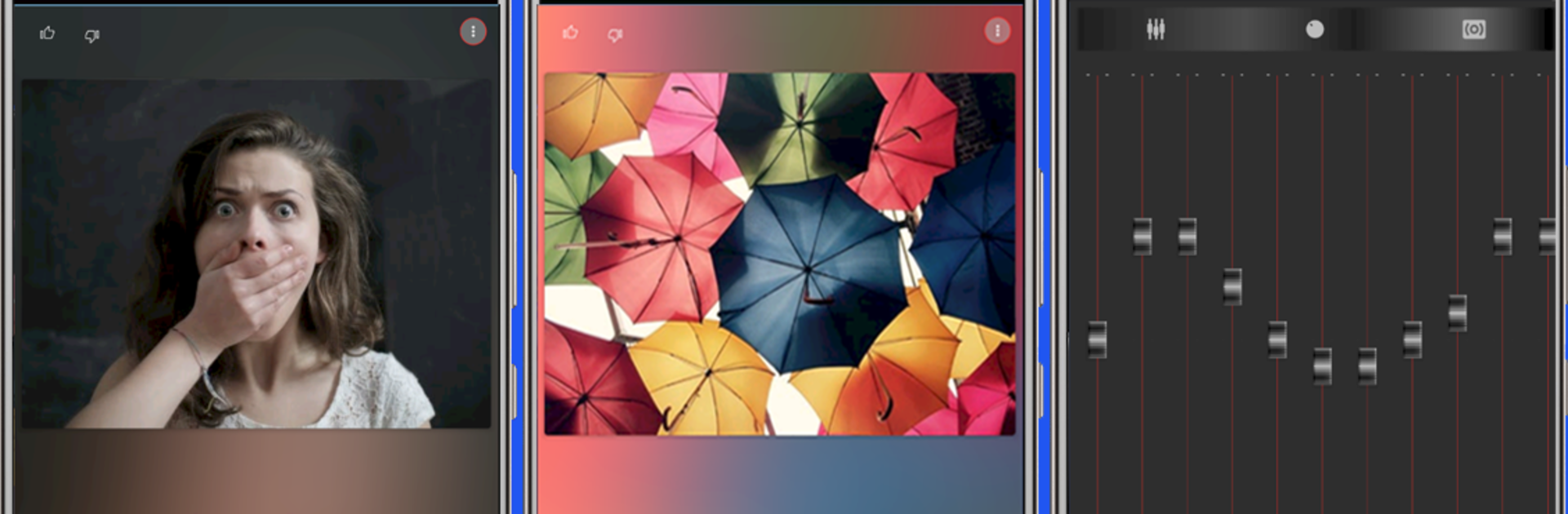
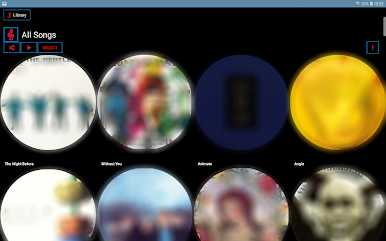
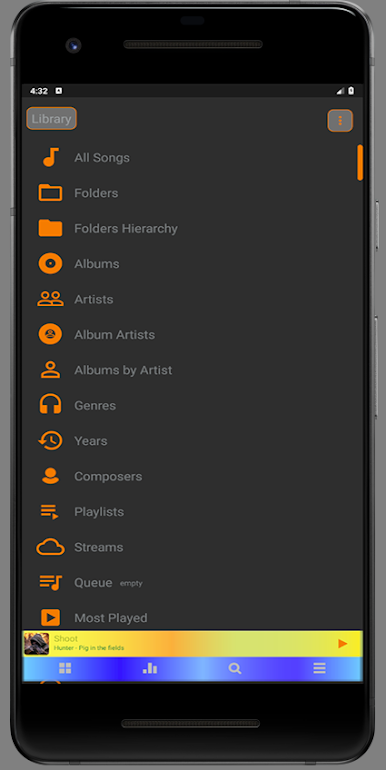
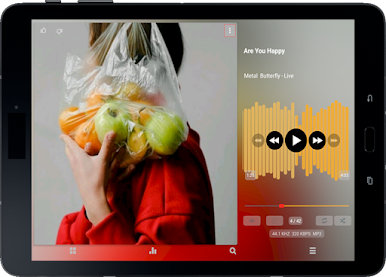
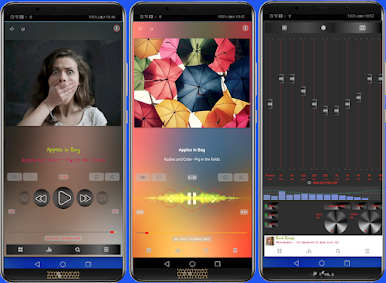
If you’ve ever wished for a music app that lets you tweak every little detail to match your vibe, Yaps is up your alley. Made by FlyingHollander, Yaps takes your listening experience beyond just playlists and song choices—it hands you the controls to personalize just about everything you see and hear. Maybe you like bold colors and animated album art, or maybe you’re all about keeping things minimal. Either way, expect a music player that actually feels like it’s yours.
App Features
-
Seriously Customizable Style
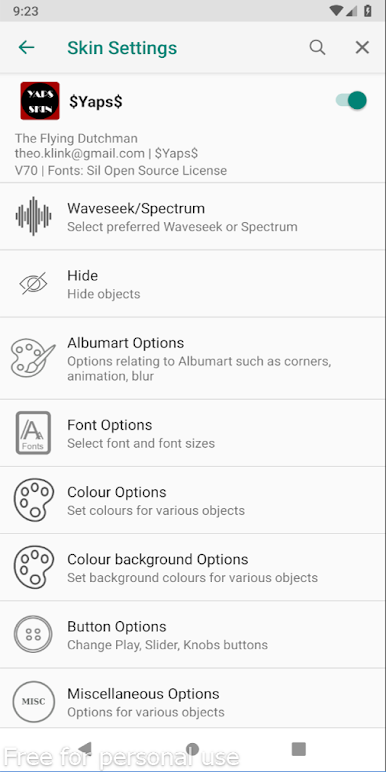
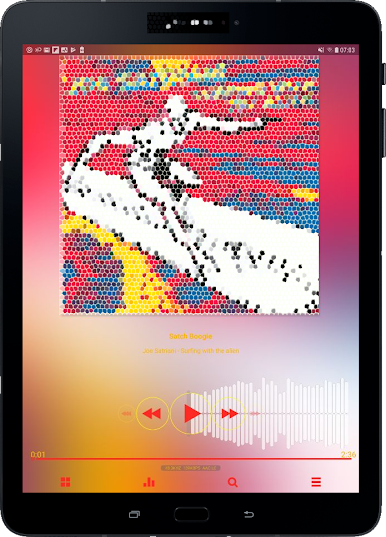
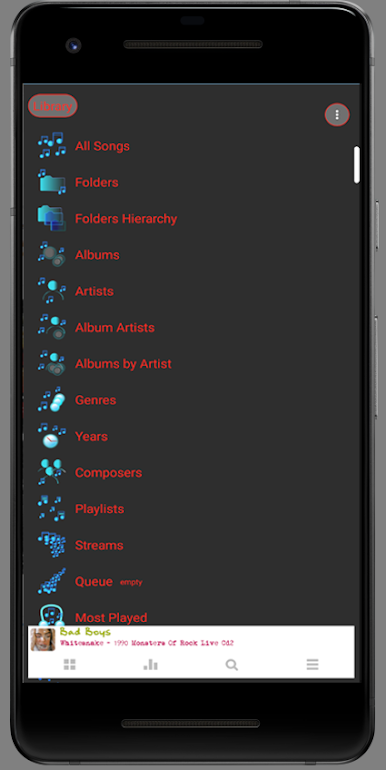
You’ve got over 200 colors to play with—so feel free to match your player to your mood, your wallpaper, or even today’s socks if you want. Backgrounds, buttons, icons, text—you get to decide how everything looks. -
Flexible Layout Options
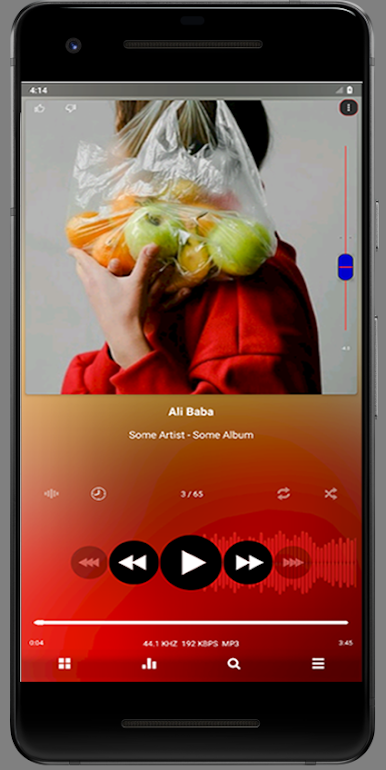
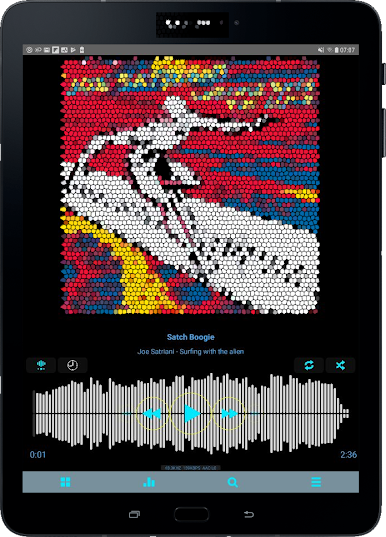
Want the waveseek bar to show or hide? Prefer a static look, or maybe even broken up into sections? You pick. Same goes for the seekbar, spectrum display, and how album art shows up on your screen. -
Album Art Your Way
Choose between round or square corners, switch animations on or off, opt for album blur in the background—or skip album art altogether if you’d rather let the colors do the talking. -
Personalized Fonts and Text
Play with fonts for everything: the app itself, track titles, and album or artist names. You even get to control text sizes and colors, to make sure everything’s easy on your eyes (or just looks cool). -
Buttons and Icons That Fit You
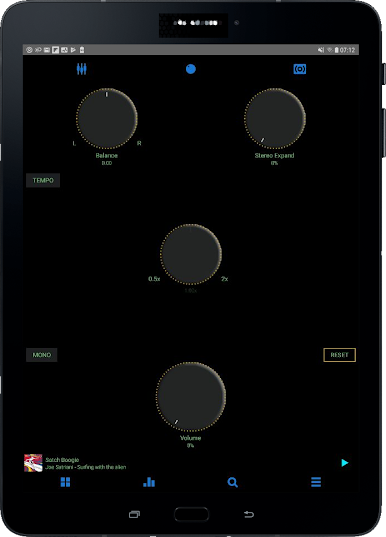
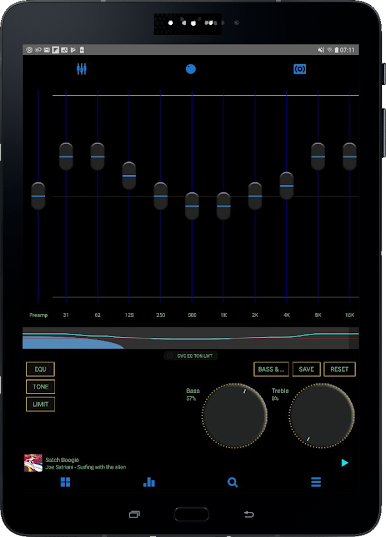
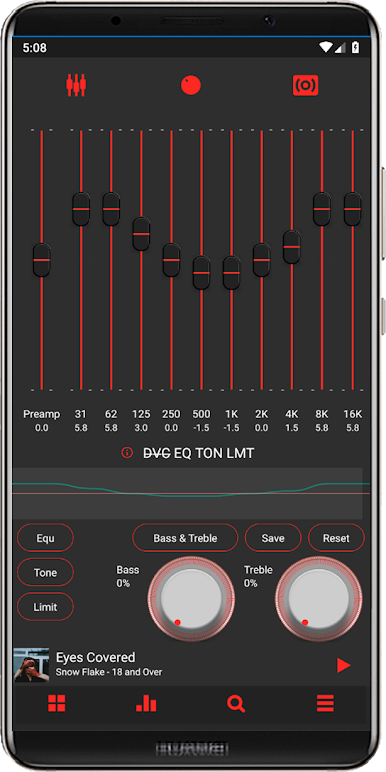
Switch up how play buttons and equalizer knobs look. You’ve got multiple styles to choose from—so your controls can feel as unique as your playlists. -
Background Patterns Galore
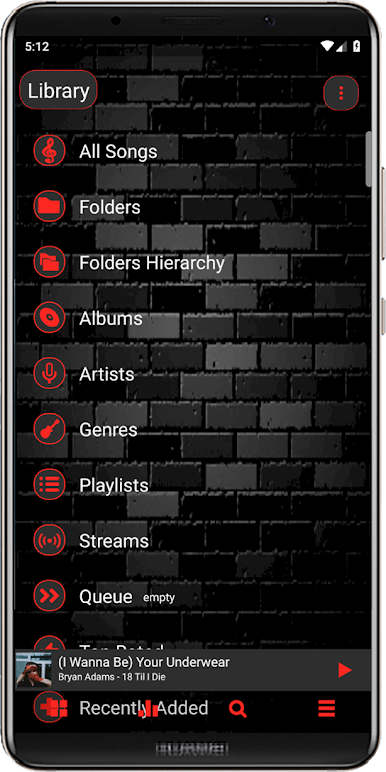
Not a fan of solid colors? You can pick from a bunch of background patterns to give your music app some extra personality. -
Hands-on Navigation
Adjust how your navigation and status bars look, including making them transparent or switching up button shapes and colors.
You can run Yaps in the Music & Audio genre with BlueStacks for a smooth, customizable music experience on your bigger screen. Keep in mind, it’s developed by one person—so if you run into any quirks, patience and friendly feedback go a long way.
Eager to take your app experience to the next level? Start right away by downloading BlueStacks on your PC or Mac.

在電腦上遊玩Yaps . 輕易上手.
-
在您的電腦上下載並安裝BlueStacks
-
完成Google登入後即可訪問Play商店,或等你需要訪問Play商店十再登入
-
在右上角的搜索欄中尋找 Yaps
-
點擊以從搜索結果中安裝 Yaps
-
完成Google登入(如果您跳過了步驟2),以安裝 Yaps
-
在首頁畫面中點擊 Yaps 圖標來啟動遊戲

