


Celestia
Mainkan di PC dengan BlueStacks – platform Game-Game Android, dipercaya oleh lebih dari 500 juta gamer.

Run Celestia on PC or Mac
Let BlueStacks turn your PC, Mac, or laptop into the perfect home for Celestia, a fun Education app from Linfeng Li.
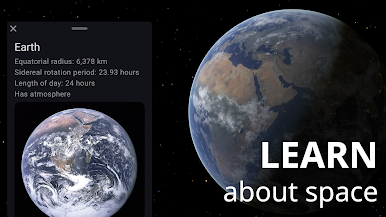
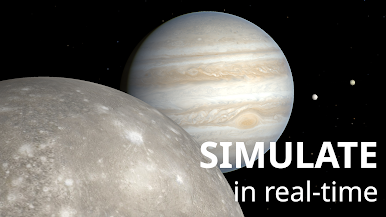
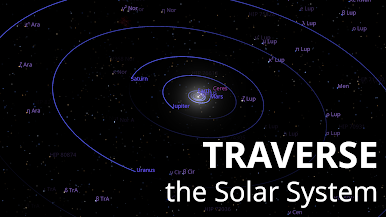
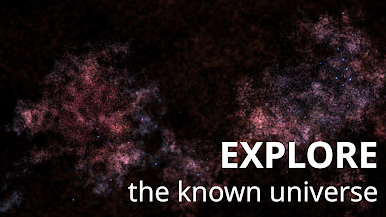
Celestia is one of those apps that just lets someone wander through the universe at their own pace. Playing it on a PC with BlueStacks, everything feels big and smooth, and there’s this low-key thrill in clicking around and jumping between planets, stars, galaxies—basically anything floating out there. It’s not just about looking at pictures, either. Anyone can actually move around space, speed up or rewind time, and see where everything goes. Want to view Jupiter up close, then zip out to a random nebula? That’s just a couple clicks away.
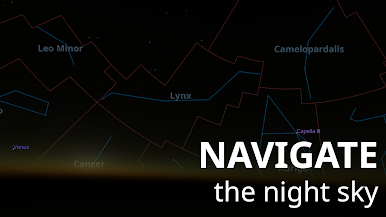
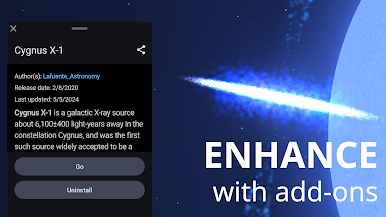
It sort of works like a planetarium, but way more interactive. Labels and extra details pop up if wanted, and they’re easy to turn off for just stargazing without distractions. What’s surprising is how much the app lets users tweak stuff—add-ons let people drop in extra planets, real spacecraft, even some wild fiction ones if that’s their thing. The controls do a lot, but still feel straightforward once a person gets the hang of it. Anyone even a little interested in space can find themselves spending way more time drifting around than expected.
Switch to BlueStacks and make the most of your apps on your PC or Mac.
Mainkan Celestia di PC Mudah saja memulainya.
-
Unduh dan pasang BlueStacks di PC kamu
-
Selesaikan proses masuk Google untuk mengakses Playstore atau lakukan nanti
-
Cari Celestia di bilah pencarian di pojok kanan atas
-
Klik untuk menginstal Celestia dari hasil pencarian
-
Selesaikan proses masuk Google (jika kamu melewati langkah 2) untuk menginstal Celestia
-
Klik ikon Celestia di layar home untuk membuka gamenya

