


Celestia
Gioca su PC con BlueStacks: la piattaforma di gioco Android, considerata affidabile da oltre 500 milioni di giocatori.

Pagina modificata il: Oct 28, 2025
Run Celestia on PC or Mac
Let BlueStacks turn your PC, Mac, or laptop into the perfect home for Celestia, a fun Education app from Linfeng Li.
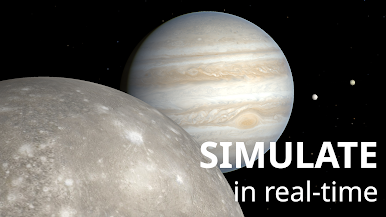
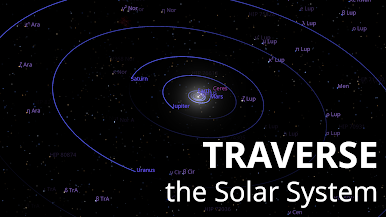
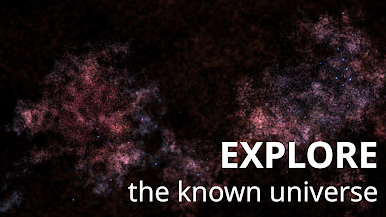
Celestia is one of those apps that just lets someone wander through the universe at their own pace. Playing it on a PC with BlueStacks, everything feels big and smooth, and there’s this low-key thrill in clicking around and jumping between planets, stars, galaxies—basically anything floating out there. It’s not just about looking at pictures, either. Anyone can actually move around space, speed up or rewind time, and see where everything goes. Want to view Jupiter up close, then zip out to a random nebula? That’s just a couple clicks away.
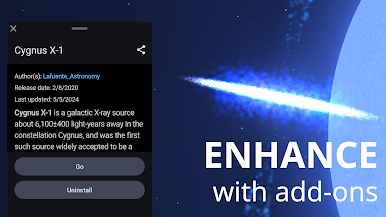
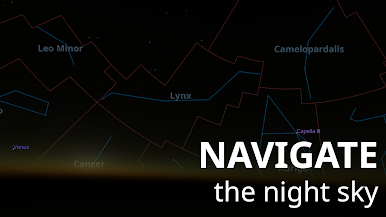
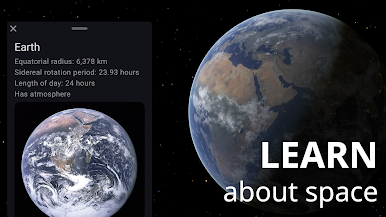
It sort of works like a planetarium, but way more interactive. Labels and extra details pop up if wanted, and they’re easy to turn off for just stargazing without distractions. What’s surprising is how much the app lets users tweak stuff—add-ons let people drop in extra planets, real spacecraft, even some wild fiction ones if that’s their thing. The controls do a lot, but still feel straightforward once a person gets the hang of it. Anyone even a little interested in space can find themselves spending way more time drifting around than expected.
Switch to BlueStacks and make the most of your apps on your PC or Mac.
Gioca Celestia su PC. È facile iniziare.
-
Scarica e installa BlueStacks sul tuo PC
-
Completa l'accesso a Google per accedere al Play Store o eseguilo in un secondo momento
-
Cerca Celestia nella barra di ricerca nell'angolo in alto a destra
-
Fai clic per installare Celestia dai risultati della ricerca
-
Completa l'accesso a Google (se hai saltato il passaggio 2) per installare Celestia
-
Fai clic sull'icona Celestia nella schermata principale per iniziare a giocare

