


3D Stars Journey Visualizer
Play on PC with BlueStacks – the Android Gaming Platform, trusted by 500M+ gamers.

Page Modified on: Aug 25, 2024
Play 3D Stars Journey Visualizer on PC
Music choice
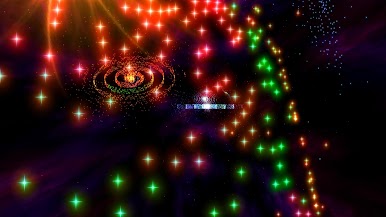
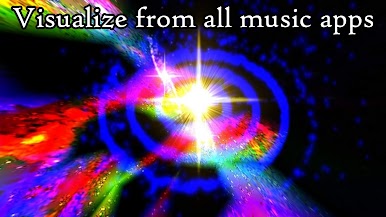
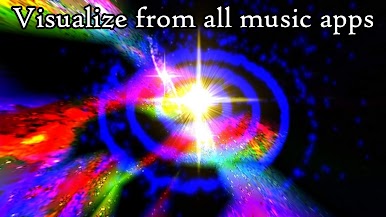
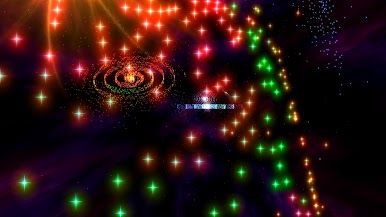
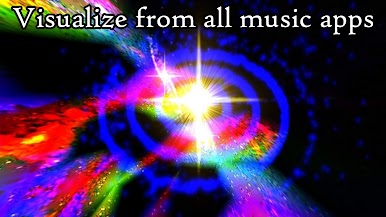
Play your music with any audio player. Then switch to this app. It will then visualize the music. Moon Mission radio channel is included. A player for your music files is also included. The stars pulsate and change colors with the sound in the music visualizer.
Create your own tunnel visualizer and wallpaper
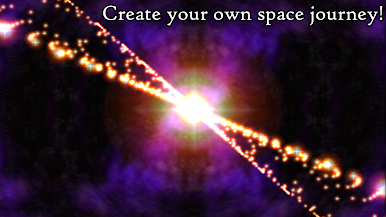
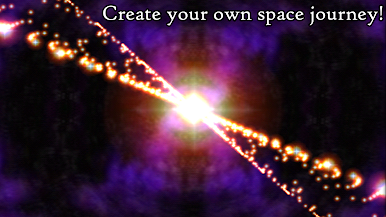
Create your own universe with different galaxies and choose the colors, brightness, distance and size for the stars. You can change the appearance of 3D Stars Journey from its settings, so it looks like your own creation. 20 different themes for the music visualization, 10 star types and 8 galaxies are included.
Get access to the settings in a simple way by watching a video ad. This access will last until you close down the app.
Background radio player
The radio can continue playing when this app is in the background. You can then do other things when you listen to the radio, like read a book or use other apps.
TV
You can watch this app on your TV with Chromecast. It is a special experience to watch it on a big screen. This is suitable for chill out sessions or parties.
Live wallpaper
Personalize your phone with a special tunnel feeling.
Interactivity
You can change the speed with the + and – buttons on the visualizers.
PREMIUM FEATURES
3D-gyroscope
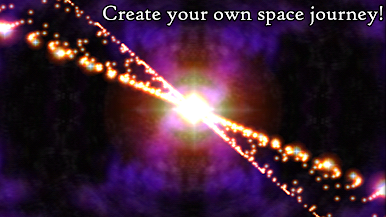
You can control your position in space with the interactive 3D-gyroscope.
Unlimited access to settings
You will have access to all of the settings without having to watch any video ads.
Microphone visualization
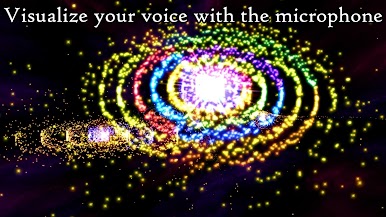
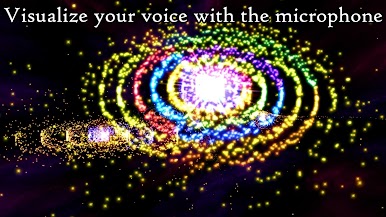
You can visualize any sound from your phone's microphone. Visualize music from your stereo or from a party or your own voice. Microphone visualization has many possibilities.
RADIO CHANNEL IN THE FREE AND FULL VERSION
The radio channel comes from Moon mission:
https://www.internet-radio.com/station/mmr/












Play 3D Stars Journey Visualizer on PC. It’s easy to get started.
-
Download and install BlueStacks on your PC
-
Complete Google sign-in to access the Play Store, or do it later
-
Look for 3D Stars Journey Visualizer in the search bar at the top right corner
-
Click to install 3D Stars Journey Visualizer from the search results
-
Complete Google sign-in (if you skipped step 2) to install 3D Stars Journey Visualizer
-
Click the 3D Stars Journey Visualizer icon on the home screen to start playing

