


Unduh Status Saver
Mainkan di PC dengan BlueStacks – platform Game-Game Android, dipercaya oleh lebih dari 500 juta gamer.

Run Status Saver - Video Saver on PC or Mac
Why limit yourself to your small screen on the phone? Run Status Saver – Video Saver, an app by Save Status, Video & Image Downloader, best experienced on your PC or Mac with BlueStacks, the world’s #1 Android emulator.
About the App
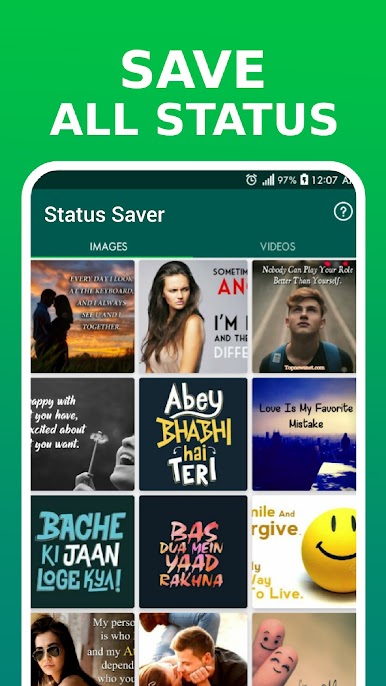
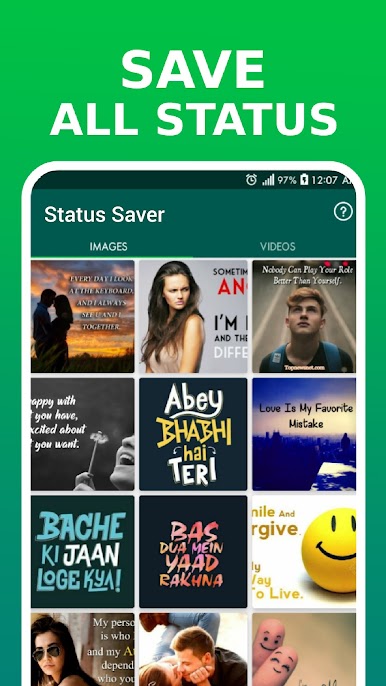
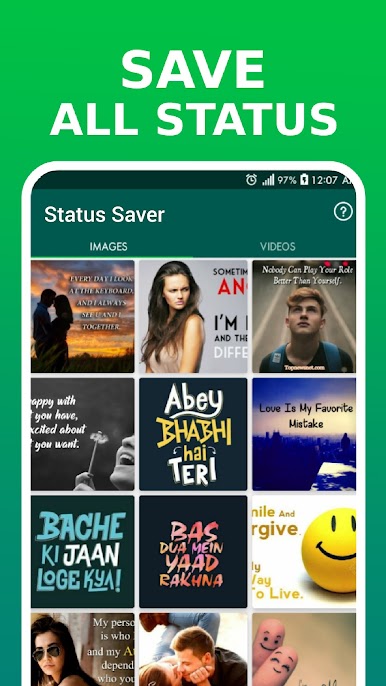
Ever wanted to save a friend’s status before it disappears forever? Status Saver – Video Saver takes the hassle out of downloading those photos and videos you spot in your social feed. It’s designed for folks who want to keep memorable statuses—maybe a funny clip, a sweet photo, or just something you’d like to look back on later. The experience is simple: check out your friends’ statuses, then save your favorites to look at, share, or repost whenever you want.
App Features
-
Quick Status Download
Grab any status—photo or video—straight to your device in just a couple taps. No more stressing about running out of time before that status is gone. -
View Before You Save
Peek at any status without notifying the other person you’ve viewed it. So you can browse at your own pace, no pressure. -
Organized Galleries
Photos and videos are neatly sorted into separate tabs. It keeps things tidy, especially if you download a lot. -
HD Photo & Video Support
Download crisp, high-quality images and videos—because nobody wants a grainy memory. -
Built-in Media Players
Watch videos or view images offline right from the app, thanks to the built-in gallery and video player. No need to dig through your phone’s folders. -
Multi-Select and Delete
Pick several statuses at once, whether you want to save a bunch or clear out things you don’t want anymore. -
Easy Sharing & Reposting
Send those funny clips or cool photos to friends, or repost them to your own social feed—it’s all just a couple taps away. -
Lightweight and Fast
The app won’t slow down your phone or hog storage. It’s small, so everything works fast.
Want to try it out on a bigger screen? Status Saver – Video Saver runs smoothly with BlueStacks, letting you save, view, and manage statuses even more comfortably.
Big screen. Bigger performance. Use BlueStacks on your PC or Mac to run your favorite apps.












Mainkan Unduh Status Saver di PC Mudah saja memulainya.
-
Unduh dan pasang BlueStacks di PC kamu
-
Selesaikan proses masuk Google untuk mengakses Playstore atau lakukan nanti
-
Cari Unduh Status Saver di bilah pencarian di pojok kanan atas
-
Klik untuk menginstal Unduh Status Saver dari hasil pencarian
-
Selesaikan proses masuk Google (jika kamu melewati langkah 2) untuk menginstal Unduh Status Saver
-
Klik ikon Unduh Status Saver di layar home untuk membuka gamenya

