


Traxsource
Spiele auf dem PC mit BlueStacks - der Android-Gaming-Plattform, der über 500 Millionen Spieler vertrauen.

Seite geändert am: Apr 17, 2023
Run Traxsource on PC or Mac
Get freedom from your phone’s obvious limitations. Use Traxsource, made by Traxsource, a Music & Audio app on your PC or Mac with BlueStacks, and level up your experience.
About the App
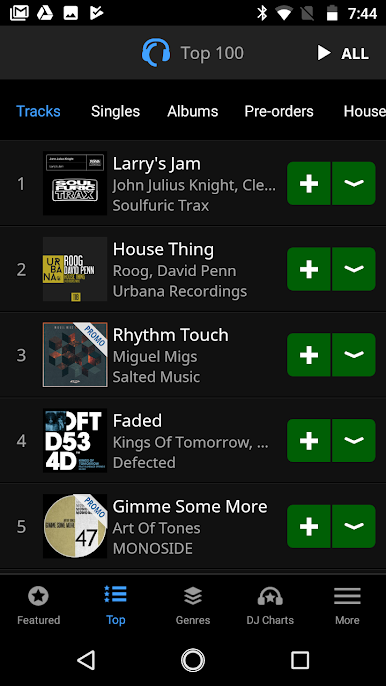
Traxsource is your mobile gateway to finding, previewing, and organizing the music you’re excited to play next. Built for serious listeners and working DJs alike, it puts discovery, charts, and cart management in one smooth Music & Audio experience. Prefer a bigger canvas? You can run it on your PC with BlueStacks and keep everything synced to your Traxsource account.
App Features
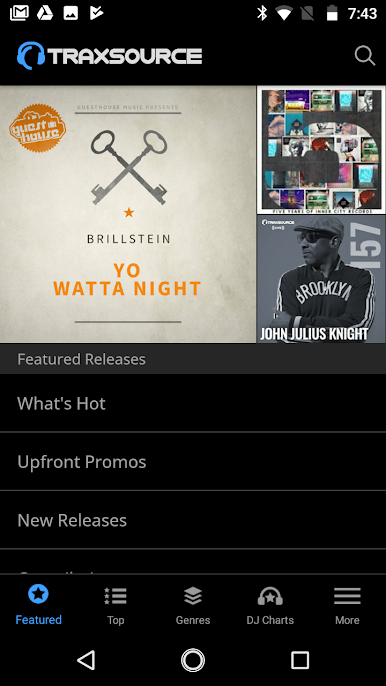
- Chart-driven discovery: Browse fresh releases by genre, explore DJ charts, and see what’s moving right now across overall and genre-specific best-sellers.
- Curated picks that matter: Keep up with weekly staff-curated highlights like the Hype Chart, Weekend Weapons, and Essentials across key styles—perfect for staying ahead of the next set.
- Powerful search: Dive into a deep catalog and find exactly what you need fast, whether it’s a specific track, artist, or label.
- High-quality previews: Stream crisp previews for every track so you can audition quickly without guesswork.
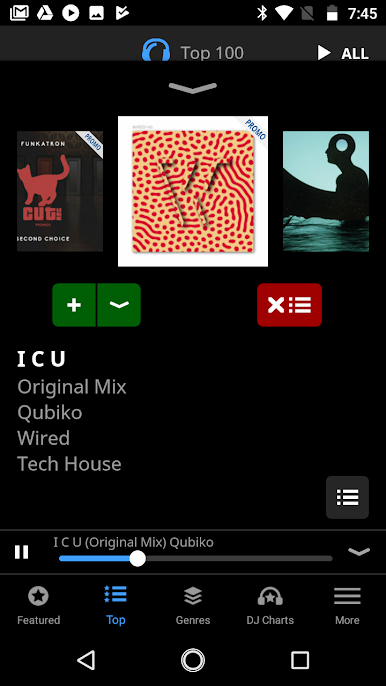
- Player with real control: A clean Now Playing view plus playlist-style tools make queuing and comparing tracks simple.
- Headphone and car controls: Skip forward or back using your headset buttons or car controls—handy when you’re on the move.
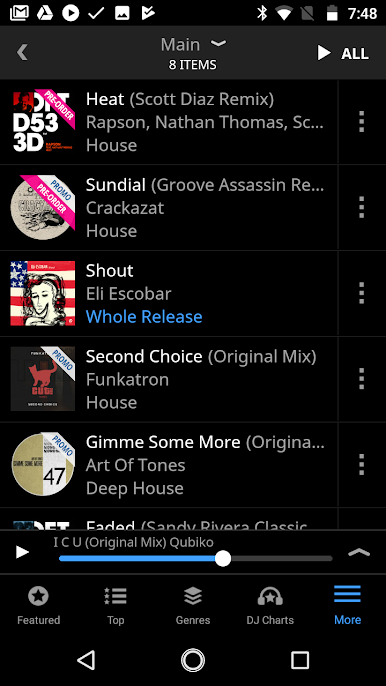
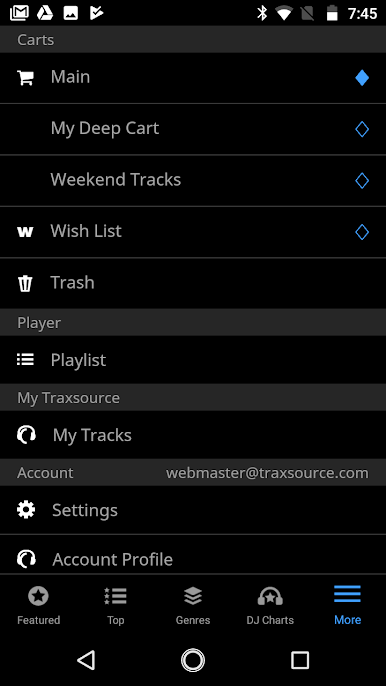
- Cart and wishlist your way: Add, remove, and reorder tracks anytime. Move items between carts, send them to your wishlist, or build multiple carts for different gigs.
- Always in sync: The app connects directly with your Traxsource account, so your carts, wishlists, and changes follow you from phone to desktop—check out online whenever you’re ready.
BlueStacks brings your apps to life on a bigger screen—seamless and straightforward.
Spiele Traxsource auf dem PC. Der Einstieg ist einfach.
-
Lade BlueStacks herunter und installiere es auf deinem PC
-
Schließe die Google-Anmeldung ab, um auf den Play Store zuzugreifen, oder mache es später
-
Suche in der Suchleiste oben rechts nach Traxsource
-
Klicke hier, um Traxsource aus den Suchergebnissen zu installieren
-
Schließe die Google-Anmeldung ab (wenn du Schritt 2 übersprungen hast), um Traxsource zu installieren.
-
Klicke auf dem Startbildschirm auf das Traxsource Symbol, um mit dem Spielen zu beginnen

