


Move the Box
Gioca su PC con BlueStacks: la piattaforma di gioco Android, considerata affidabile da oltre 500 milioni di giocatori.

Pagina modificata il: Oct 13, 2025
Play Move the Box on PC or Mac
Step into the World of Move the Box, a thrilling Puzzle game from the house of Exponenta. Play this Android game on BlueStacks App Player and experience immersive gaming on PC or Mac.
About the Game
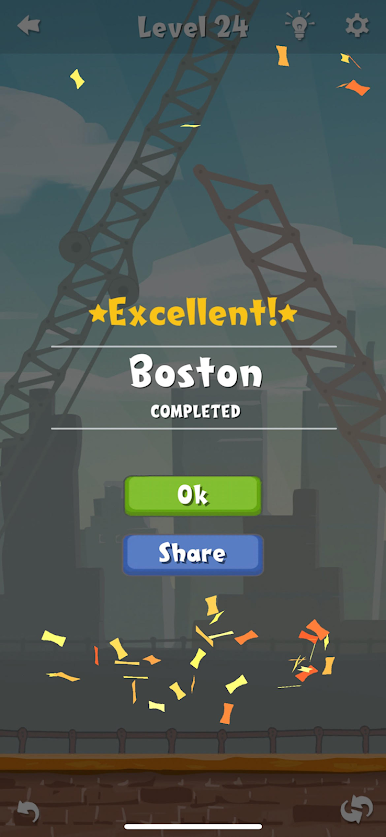
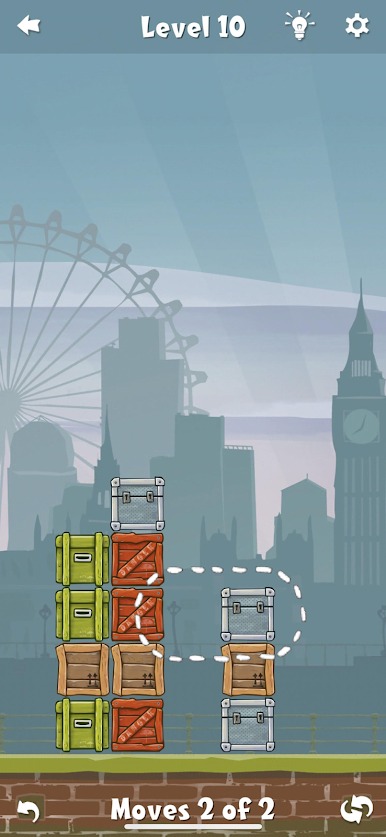
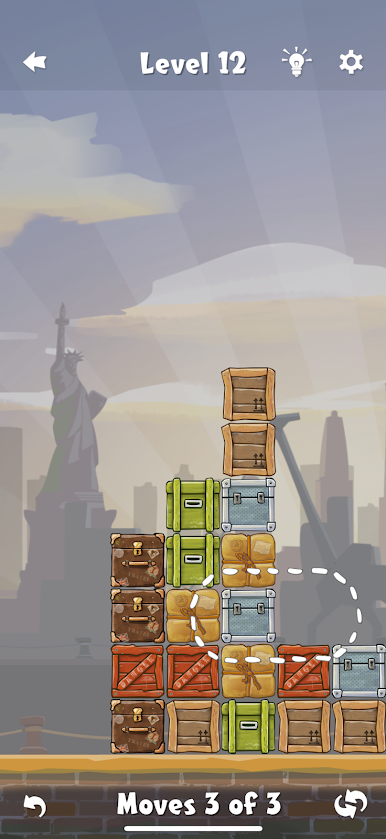
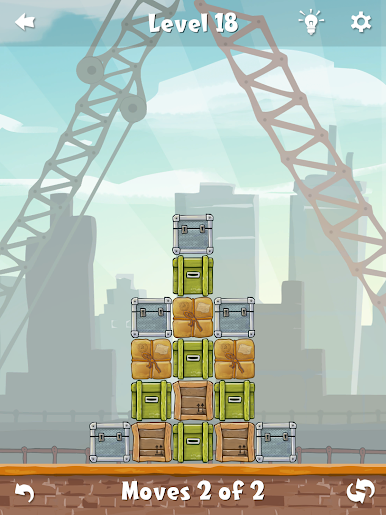
Move the Box is one of those puzzle games that pulls you in with super straightforward rules, then keeps your brain buzzing with each new level. At first glance, it looks simple—just shift some boxes around—but there’s a real challenge hiding beneath the surface. If you love puzzles that make you pause and plot your next move, this one’s going to keep you entertained for hours.
Game Features
-
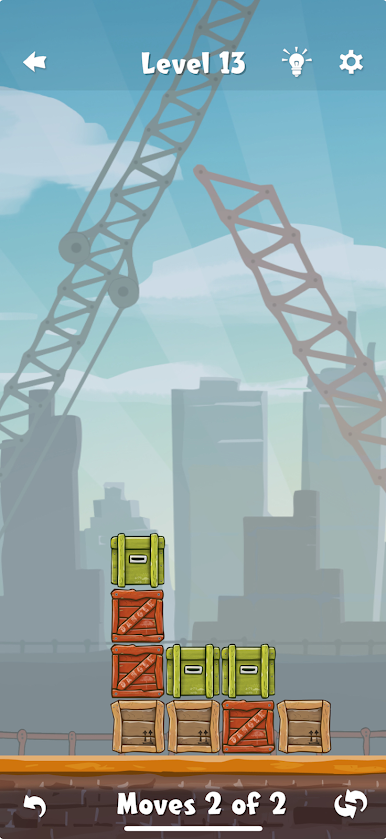
Clever Swap-and-Drop Gameplay
Move, swap, and drop boxes across the board to line up matching sets. Simple idea, right? But every decision counts, especially when the clock—or rather, your turns—are ticking down. -
Limited Turns for Maximum Brainpower
You can only make a certain number of moves per level, so it’s all about planning ahead. Easy at first, then suddenly you’re staring at the screen, wondering how to line up that last tricky set of crates. -
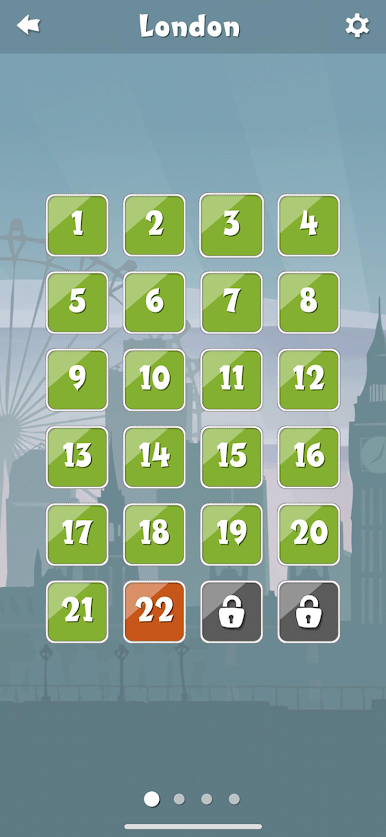
Loads of Levels
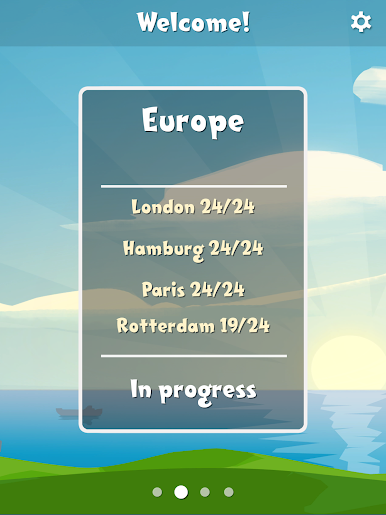
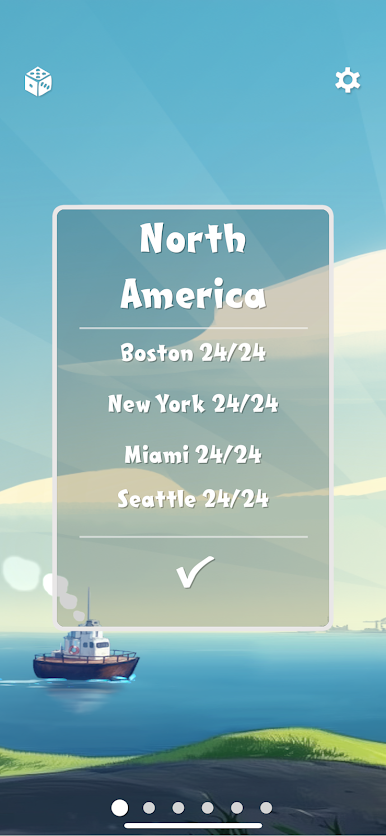
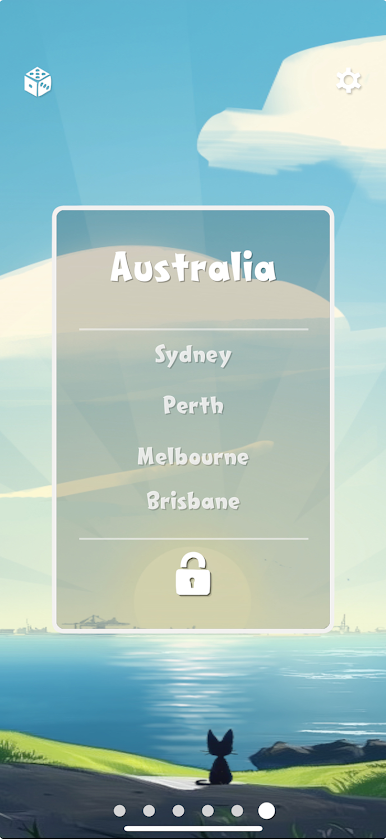
From bustling harbors to massive ports on different continents, there’s always a new mix to solve. Each stage adds a twist or ups the challenge, so boredom doesn’t stand a chance. -
Satisfying Payout
There’s something pretty rewarding about watching those perfectly matched boxes vanish, especially after a tough puzzle that made you sit back and think. -
Smooth Experience on BlueStacks
Want to play on a bigger screen? Running Move the Box with BlueStacks feels seamless, and it really shows off all those colorful crates.
Ready to top the leaderboard? We bet you do. Let precise controls and sharp visuals optimized on BlueStacks lead you to victory.


Gioca Move the Box su PC. È facile iniziare.
-
Scarica e installa BlueStacks sul tuo PC
-
Completa l'accesso a Google per accedere al Play Store o eseguilo in un secondo momento
-
Cerca Move the Box nella barra di ricerca nell'angolo in alto a destra
-
Fai clic per installare Move the Box dai risultati della ricerca
-
Completa l'accesso a Google (se hai saltato il passaggio 2) per installare Move the Box
-
Fai clic sull'icona Move the Box nella schermata principale per iniziare a giocare

