


Tic Tac Toe Pro
العب على الكمبيوتر الشخصي مع BlueStacks - نظام أندرويد للألعاب ، موثوق به من قبل أكثر من 500 مليون لاعب.

Play Tic Tac Toe Pro on PC or Mac
Tic Tac Toe Pro brings the Board genre to life, and throws up exciting challenges for gamers. Developed by AI Factory Limited, this Android game is best experienced on BlueStacks, the World’s #1 app player for PC and Mac users.
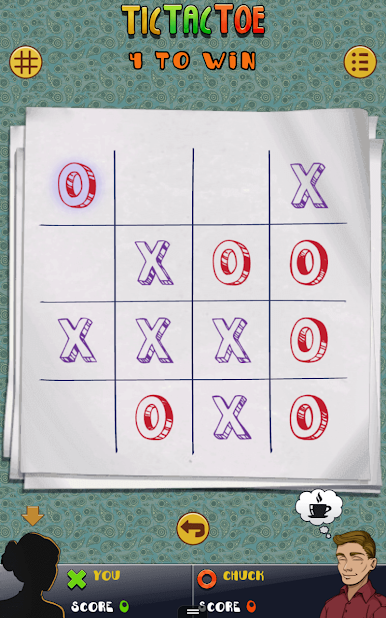
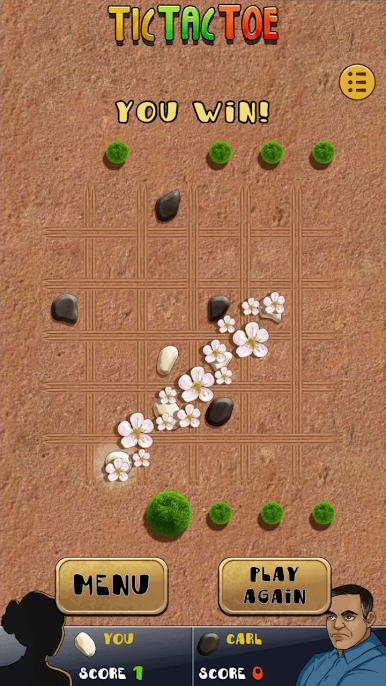
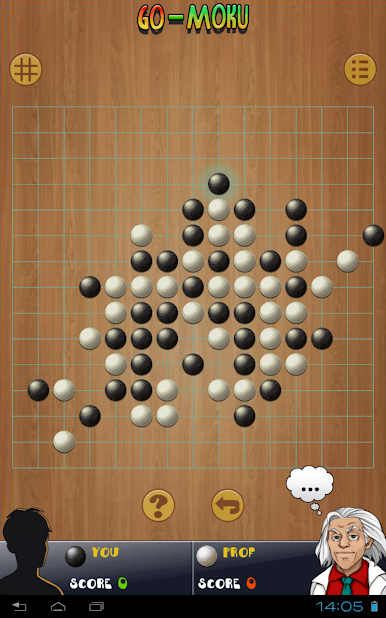
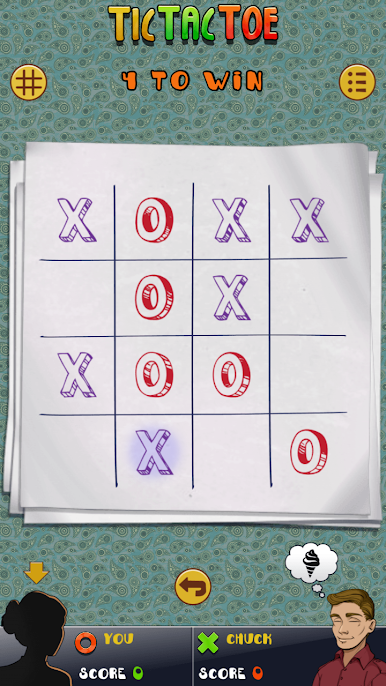
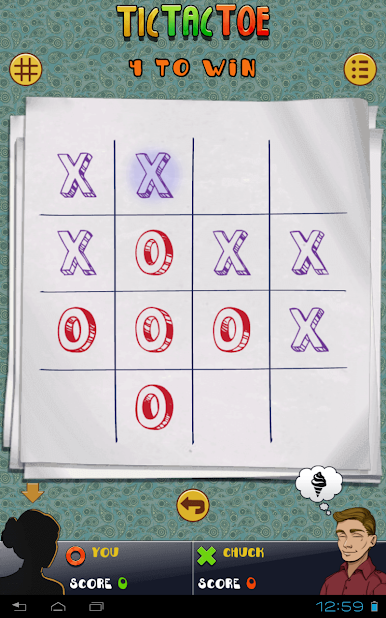
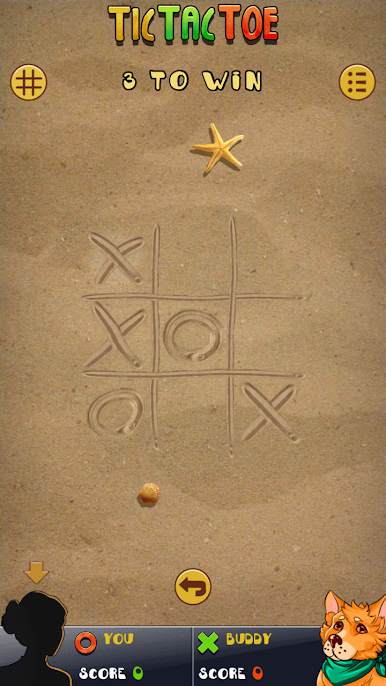
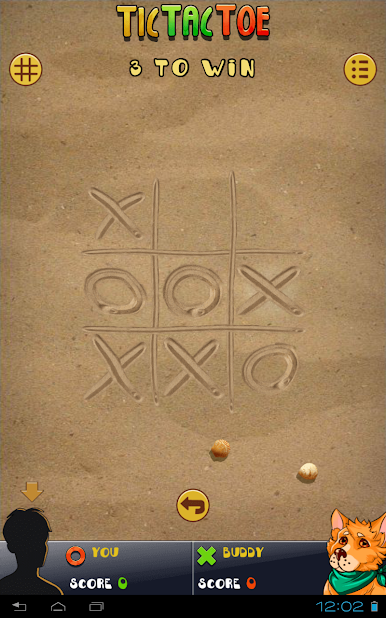
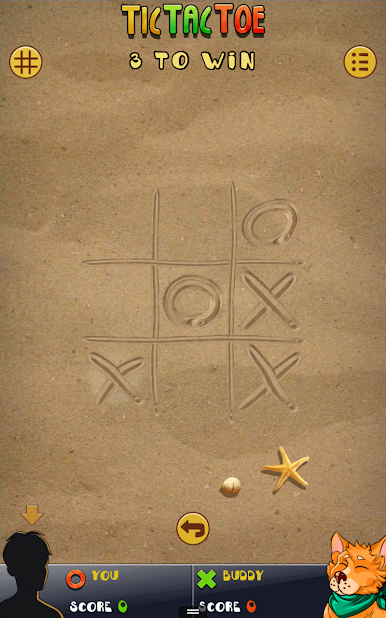
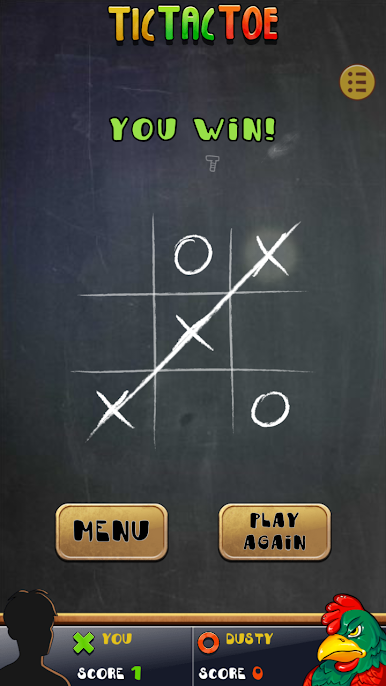
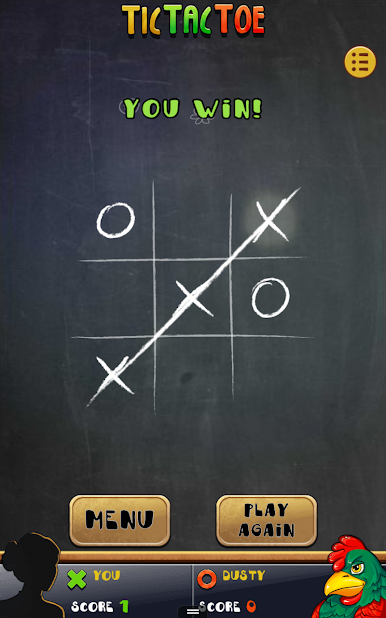
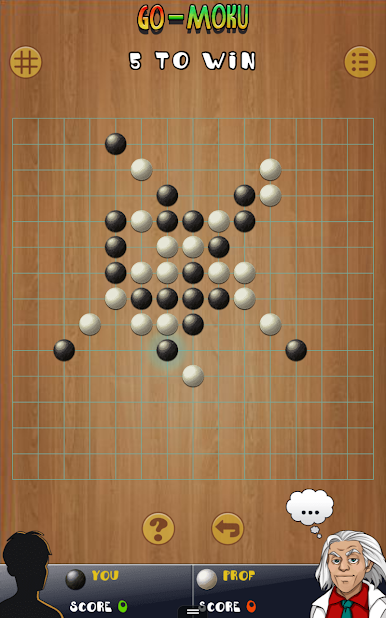
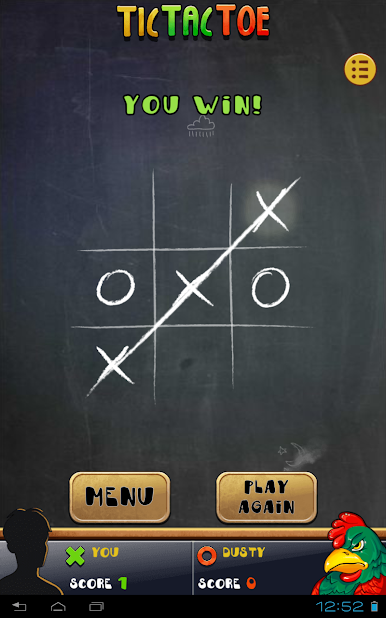
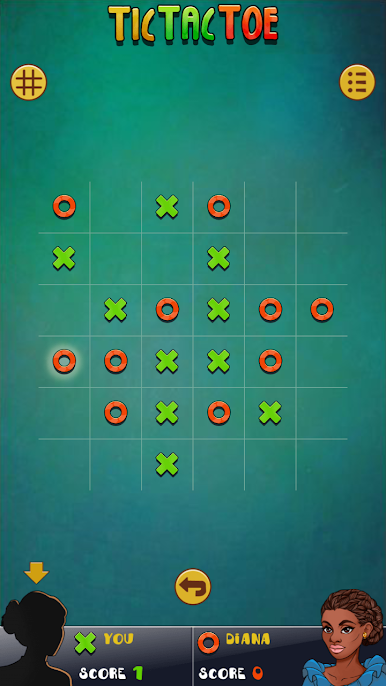
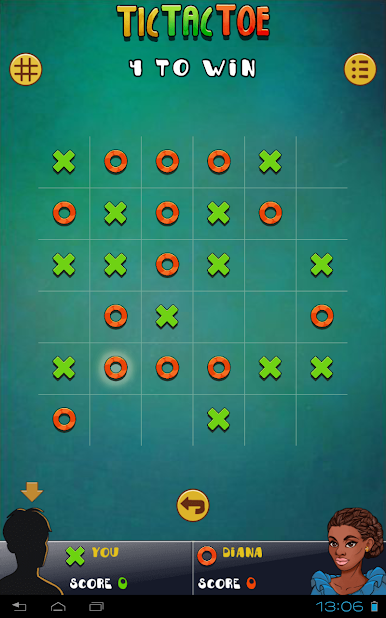
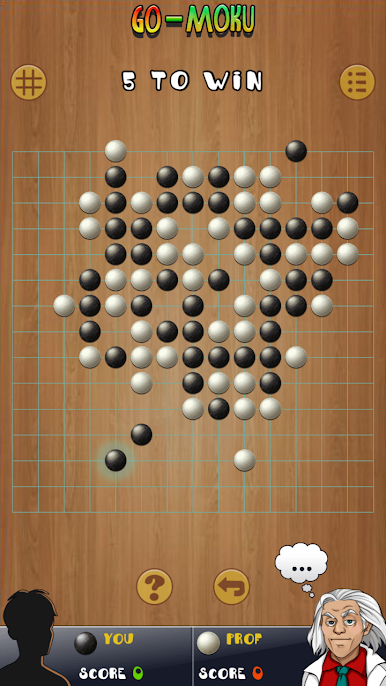
Tic Tac Toe Pro turns the simple XOX game into a whole set of puzzles, not just the classic 3×3. There are bigger boards like 4×4, 5×5, and 6×6, plus Gomoku and Renju where the goal is five in a row. Small boards feel quick and snappy, while the larger ones push more planning, so a round can turn from a casual time killer into a quiet little brain workout. The Gomoku side is tough in a fair way, and it rewards thinking a move or two ahead.
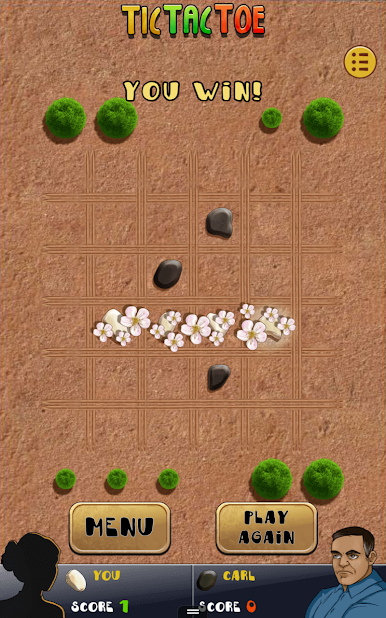
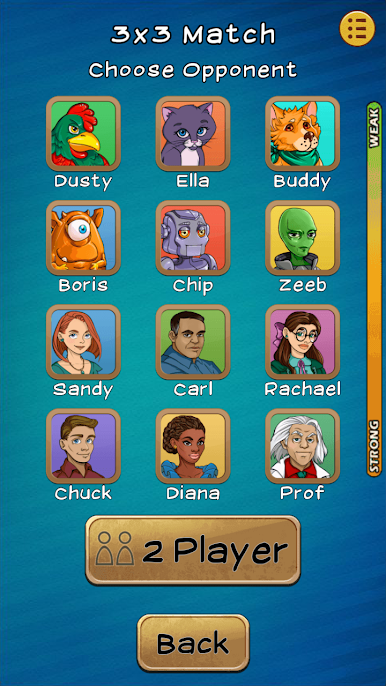
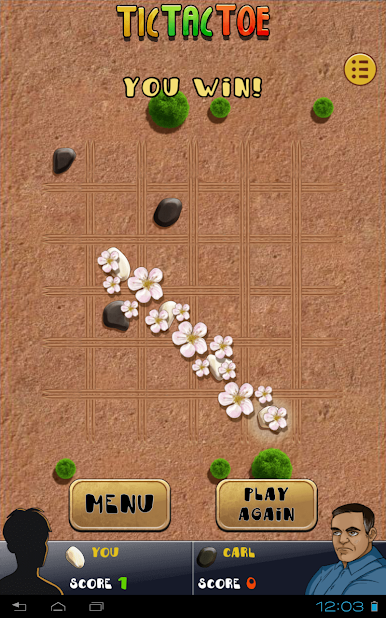
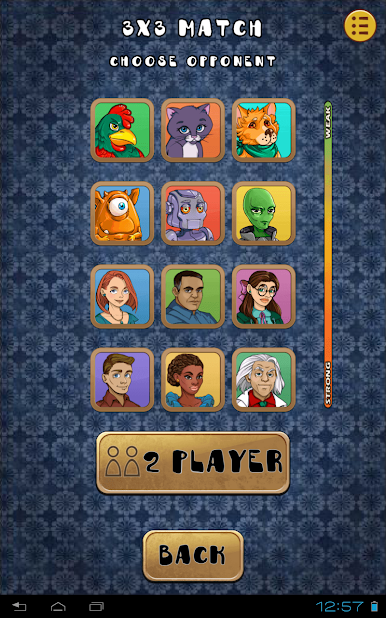
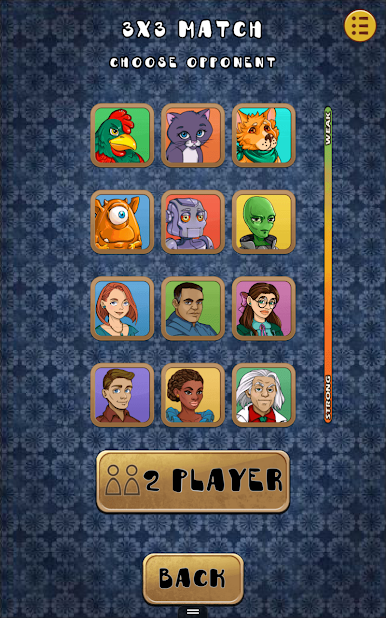
There are 12 animated opponents with different styles and difficulty, and they have small touches that make them feel less robotic, like daydreaming if a player stalls. There is a ladder to climb for each game type, which gives a reason to stick with it and try to rank higher without drowning in menus. Local two player is in there for pass-and-play, and there are several board looks to pick from, so the screen does not get stale. Everything is clean, fast to reset, and has that one more round pull. On PC with BlueStacks, placing marks with the mouse feels very precise and the larger boards fit nicely on a monitor. It suits quick breaks, but someone who likes methodical strategy can sit with it for longer sessions too.
Make your gaming sessions memorable with precise controls that give you an edge in close combats and visuals that pop up, bringing every character to life.




العب Tic Tac Toe Pro على جهاز الكمبيوتر. من السهل البدء.
-
قم بتنزيل BlueStacks وتثبيته على جهاز الكمبيوتر الخاص بك
-
أكمل تسجيل الدخول إلى Google للوصول إلى متجر Play ، أو قم بذلك لاحقًا
-
ابحث عن Tic Tac Toe Pro في شريط البحث أعلى الزاوية اليمنى
-
انقر لتثبيت Tic Tac Toe Pro من نتائج البحث
-
أكمل تسجيل الدخول إلى Google (إذا تخطيت الخطوة 2) لتثبيت Tic Tac Toe Pro
-
انقر على أيقونة Tic Tac Toe Pro على الشاشة الرئيسية لبدء اللعب

