


Pipers Metronome
5억명 이상의 게이머가 신뢰하는 안드로이드 게임 플랫폼 BlueStacks으로 PC에서 플레이하세요.

Run Pipers Metronome on PC or Mac
Why limit yourself to your small screen on the phone? Run Pipers Metronome, an app by Avoir Technology, best experienced on your PC or Mac with BlueStacks, the world’s #1 Android emulator.
About the App
Pipers Metronome is a musician’s helper built specifically for bagpipers. It keeps practice simple, musical, and surprisingly fun, whether you’re shaping a solo set or locking in with a pipe band. Expect a clean, circular visual you can follow at a glance, intuitive controls, and deep tools for expression when you want to get picky about feel. Created by Avoir Technology for the Music & Audio crowd, it’s purpose-built for the way pipers actually play. Prefer a bigger screen while you practice? It works nicely on BlueStacks, too.
App Features
-
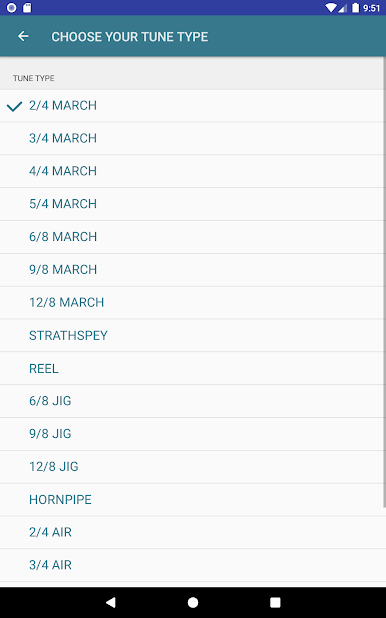
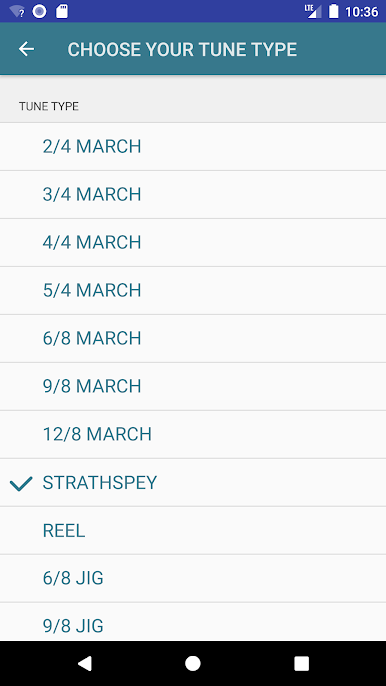
Smart Presets for pipe tunes: Pick your tune type and get instant, sensible defaults. One tap sets speed levels tailored to marches, strathspeys, reels, and more—so you can get playing faster.
-
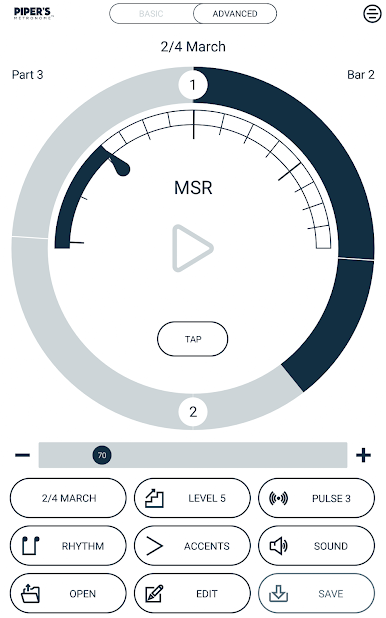
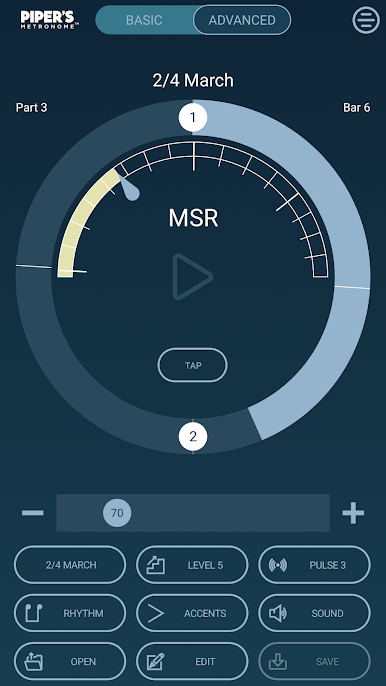
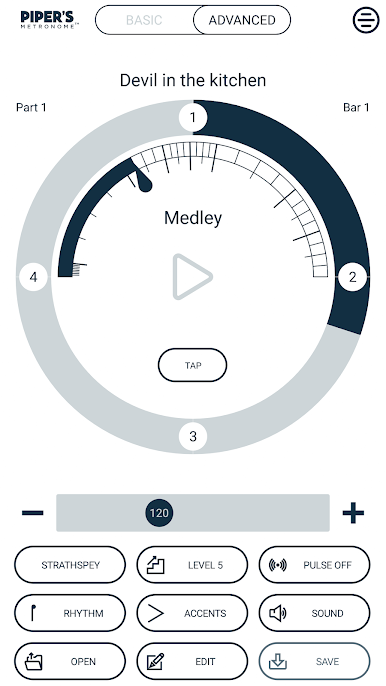
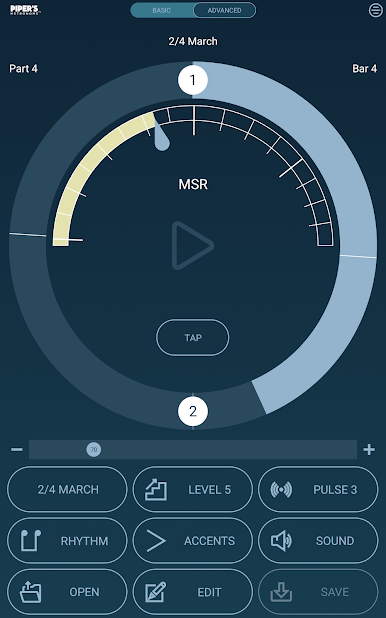
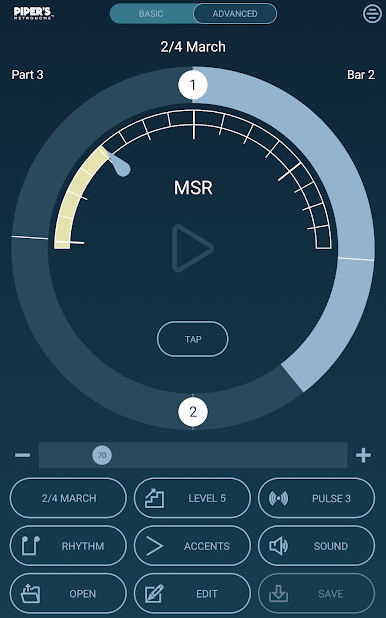
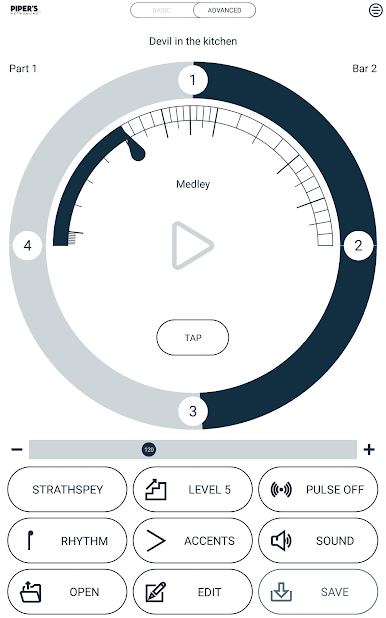
Clear visual timing: A ring-style display shows the pulse and beat emphasis as you play. It’s easy to see where you are in the bar and stay locked in.
-
Flexible tempo control: Slide to set a tempo, nudge with +/– for fine adjustments, or use tap tempo if you’ve got the groove in your head. Prefer quick choices? Select from preset speed levels.
-
Pulsing and Rhythm tools: Dial in pulsing, pointing, and beat stress to match the character of 2/4 marches, strathspeys, reels, and other pipe styles. Shape phrasing until it feels just right.
-
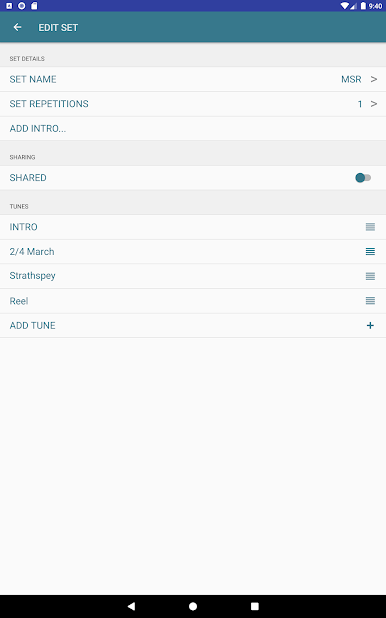
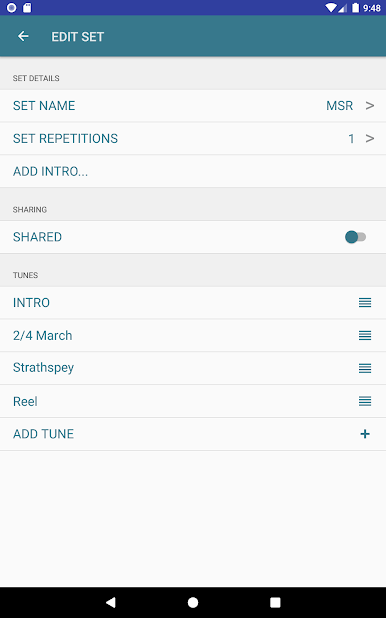
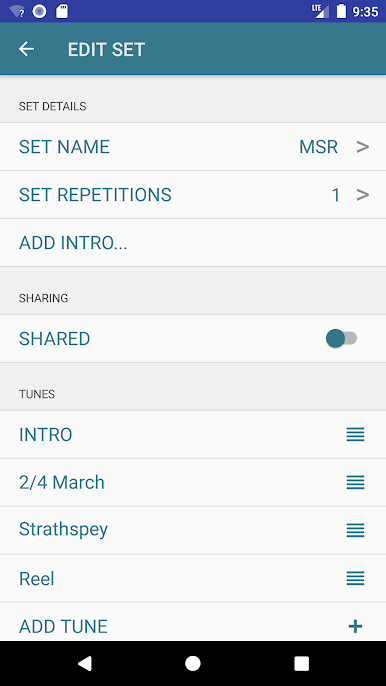
Custom sets for MSRs and Medleys: Build complete sets with intros and pipe band style attacks. Add tunes, change time signatures or tempos between parts, and define any number of bars or beats.
-
Save and share with your crew: Keep your favorite configurations ready to go, and share sets with bandmates in a tap.
-
Make it yours: Tweak the look and behavior so your metronome matches how you like to practice.
-
Quick start workflow: Choose a tune type, set your tempo, add rhythmic patterns, pick your Pulsing level, and hit play—no head-scratching required.
-
Free to try, upgrade for more: Explore the core tools at no cost, then unlock full features like creating and sharing custom tune sets when you’re ready.
BlueStacks brings your apps to life on a bigger screen—seamless and straightforward.

PC에서 Pipers Metronome 플레이해보세요.
-
BlueStacks 다운로드하고 설치
-
Google Play 스토어에 로그인 하기(나중에 진행가능)
-
오른쪽 상단 코너에 Pipers Metronome 검색
-
검색 결과 중 Pipers Metronome 선택하여 설치
-
구글 로그인 진행(만약 2단계를 지나갔을 경우) 후 Pipers Metronome 설치
-
메인 홈화면에서 Pipers Metronome 선택하여 실행

