


Stopwatch 2 Advanced lap timer
500M + oyuncunun güvendiği Android Oyun Platformu, BlueStacks ile PC'de oynayın.

Sayfa Değiştirilme tarihi: Oct 29, 2023
Play Stopwatch 2 Advanced lap timer on PC
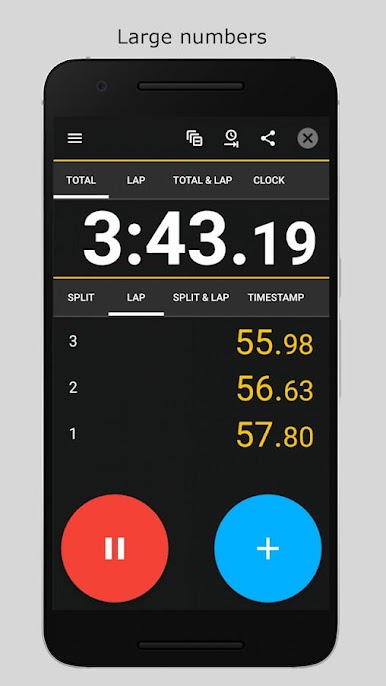
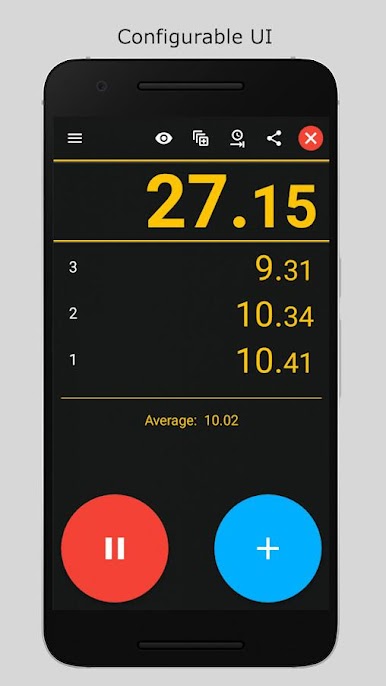
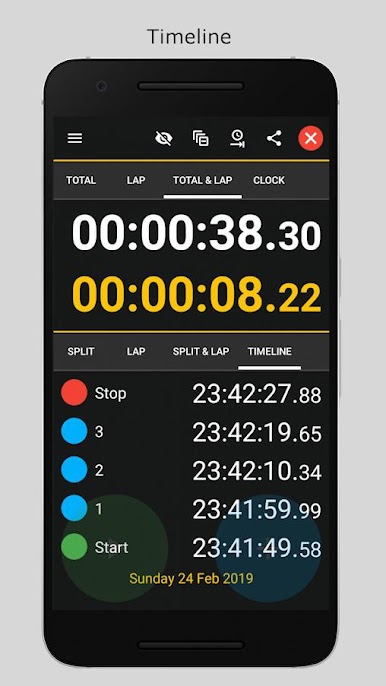
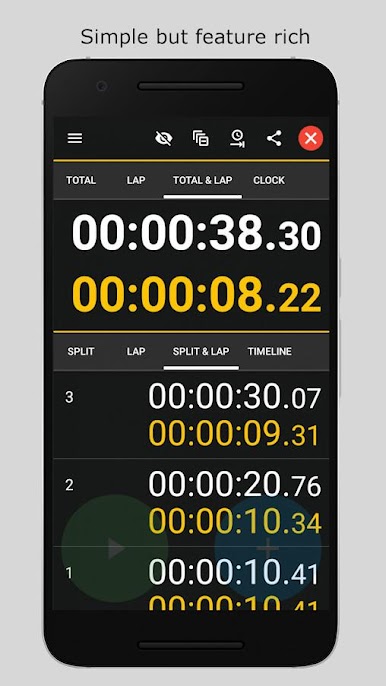
This stopwatch is unique as it allow the user to configure the timer display in many different ways to show total time, current lap time, clock time, timestamps, statistics.
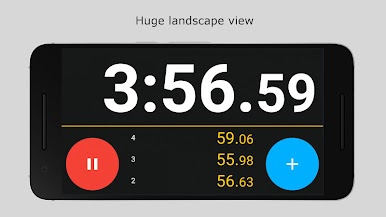
Stopwatch 2 - Advanced lap timer for Android also has a huge landscape view so your time sessions can be displayed with huge numbers.
Standard Stopwatch Features
✔️ Total / elapsed time
✔️ Current lap time
✔️ Lap time
✔️ Split time
✔️ Clock time
✔️ Timestamps
✔️ Average time
✔️ Configurable display
✔️ Configurable precision
✔️ Configurable time format
✔️ 1/1000 second accuracy
✔️ 99+ hours duration
✔️ Portrait and landscape views
✔️ High contrast timer display with large numbers
✔️ Durable sessions.
✔️ Material design
Premium Stopwatch Features
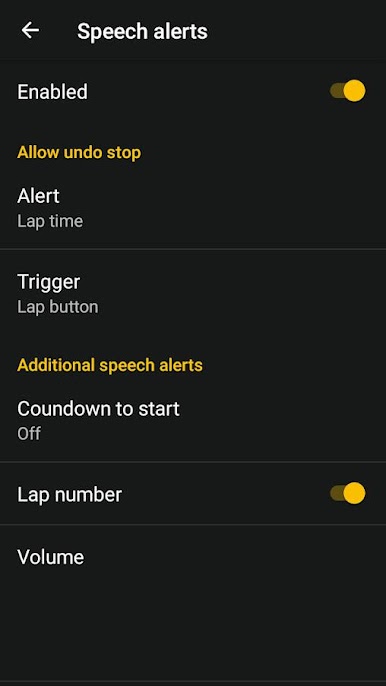
🌟 Speech
🌟 Time interval notifications
🌟 Action notifications
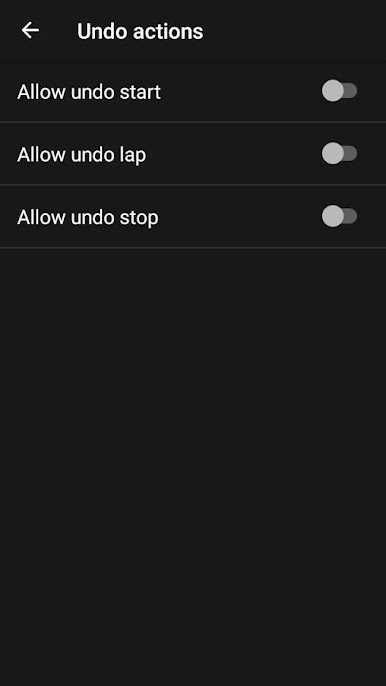
🌟 Action undo
🌟 Save & resume concurrent sessions
🌟 Screen lock
Stopwatch Features Not Supported
❌ Annoying system notifications
❌ Popup requests for ratings.
❌ Lost timer sessions on restart
❌ Small Numbers
❌ Unreadable screen in sunlight
Languages supported by this stopwatch including TTS speech
⚫ English
⚫ Spanish
⚫ Portuguese
⚫ German
Stopwatch 2 Advanced lap timer oyununu PC'de oyna. Başlamak çok kolay.
-
BlueStacks'i PC'nize İndirin ve Yükleyin
-
Play Store'a erişmek için Google girişi yapın ya da daha sonraya bırakın.
-
Sağ üst köşeye Stopwatch 2 Advanced lap timer yazarak arayın.
-
Stopwatch 2 Advanced lap timer uygulamasını arama sonuçlarından indirmek için tıklayın.
-
(iEğer Adım 2'yi atladıysanız) Stopwatch 2 Advanced lap timer uygulamasını yüklemek için Google'a giriş yapın.
-
Oynatmaya başlatmak için ekrandaki Stopwatch 2 Advanced lap timer ikonuna tıklayın.

