


Mezcla Música, Removedor Vocal
Juega en PC con BlueStacks: la plataforma de juegos Android, en la que confían más de 500 millones de jugadores.

Página modificada el: Nov 5, 2025
Run Music Maker & AI Vocal Remover on PC or Mac
What’s better than using Music Maker & AI Vocal Remover by Vocal Remover AI& Photo Enhancer & FM Radio Player? Well, try it on a big screen, on your PC or Mac, with BlueStacks to see the difference.
About the App
Ever wish you could pull apart your favorite songs and play around with each piece? Music Maker & AI Vocal Remover, brought to you by Vocal Remover AI& Photo Enhancer & FM Radio Player, makes that possible. Whether you’re a music student, budding DJ, or just want karaoke tracks without all the fuss, this app is your nifty toolkit for breaking down and remixing music in the way you want. It’s all about giving you control over songs—sing, mix, remix, or just mess around and see what you can create.
App Features
-
AI-Powered Track Separation
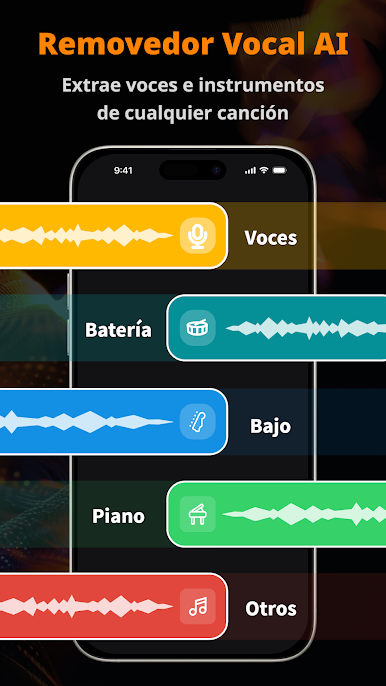
Break any song down into vocals, drums, piano, guitar, and even background harmonies. It’s like peeling back the layers of your favorite tracks, all on your phone. -
Vocal Remover & Karaoke Maker
Want to belt out your favorite song? Instantly remove vocals from any mp3 and turn it into a smooth karaoke backing track. Just upload and you’re all set. -
Music Remixing Tools
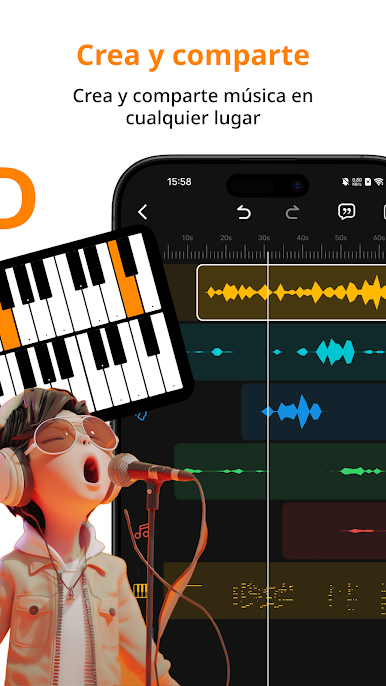
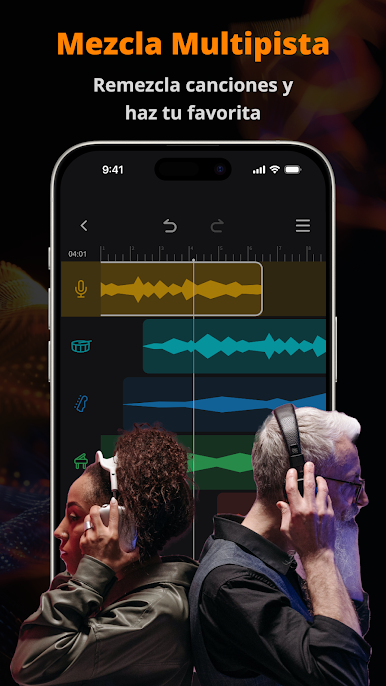
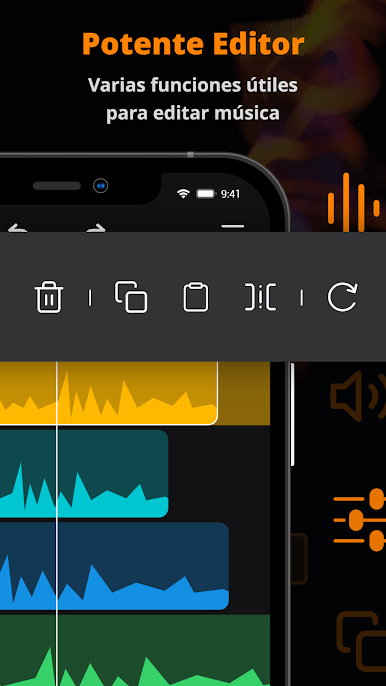
Remix to your heart’s content—copy, paste, delete, and rearrange sections of music. Save solo instrument tracks or mash parts together for your own custom sound. -
Ringtone Creator
Snip your favorite parts of songs and set them as ringtones in just a few taps. Your phone, your sound. -
Advanced Sound Boosters
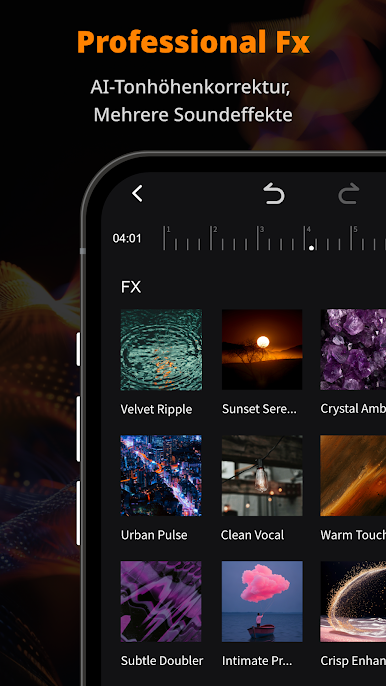
Pump up the bass, highlight guitar riffs, or bring vocals to the front. Tweak each instrument’s volume for that perfect remix. -
Chord & Beat Identification
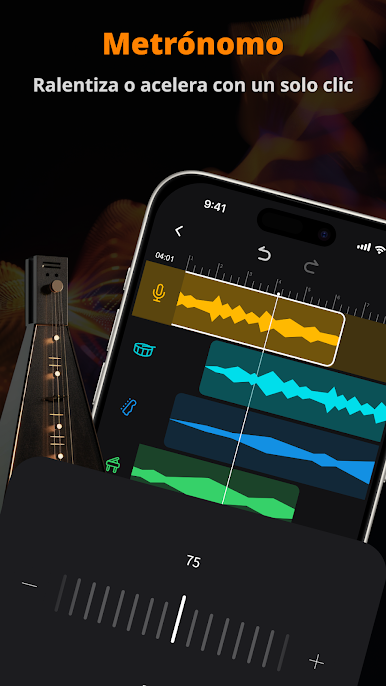
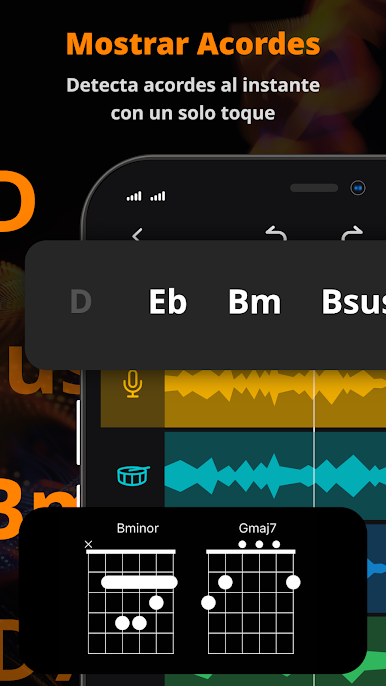
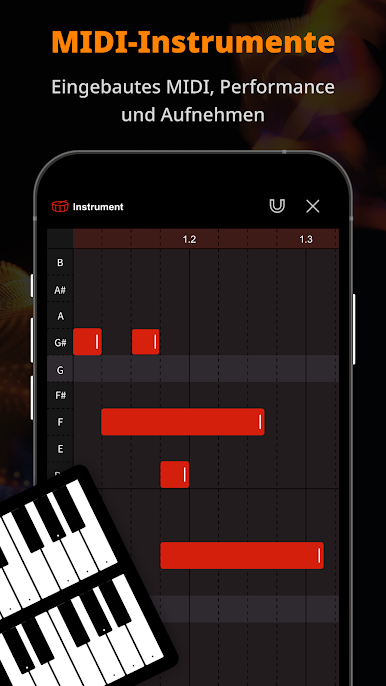
Stuck on a tricky chord? The app shows you the chords and fingerings, plus it can pull out the beat so you can practice or produce with confidence. -
Instrument Practice Modes
Singers, drummers, guitarists—find practice tracks at the click of a button. Strip out or enhance the parts you want to work on. -
Acapella and Instrumental Extraction
Need just the vocals or only the accompaniment? Easily isolate or enhance individual sounds—vocals, drums, bass, keys, and more. -
MP3 Cutter
Trim any part of a song—beginning, end, or somewhere in the middle—to get the exact snippet you need. -
Works Great on BlueStacks
Enjoy all these tools with a bigger screen and more control when running Music Maker & AI Vocal Remover through BlueStacks.
No matter if you’re editing audio for a podcast, prepping music for a class, or just humming along to new remixes, this app gives anyone in Music & Audio the tools to create, explore, and have a little fun with sound.
Switch to BlueStacks and make the most of your apps on your PC or Mac.
Juega Mezcla Música, Removedor Vocal en la PC. Es fácil comenzar.
-
Descargue e instale BlueStacks en su PC
-
Complete el inicio de sesión de Google para acceder a Play Store, o hágalo más tarde
-
Busque Mezcla Música, Removedor Vocal en la barra de búsqueda en la esquina superior derecha
-
Haga clic para instalar Mezcla Música, Removedor Vocal desde los resultados de búsqueda
-
Complete el inicio de sesión de Google (si omitió el paso 2) para instalar Mezcla Música, Removedor Vocal
-
Haz clic en el ícono Mezcla Música, Removedor Vocal en la pantalla de inicio para comenzar a jugar

