


보이스 체인저 - 음향 효과 & 음성 효과
5억명 이상의 게이머가 신뢰하는 안드로이드 게임 플랫폼 BlueStacks으로 PC에서 플레이하세요.

Run Voice Changer - Voice Effects on PC or Mac
Why limit yourself to your small screen on the phone? Run Voice Changer – Voice Effects, an app by Dairy App & Notes & Audio Editor & Voice Recorder, best experienced on your PC or Mac with BlueStacks, the world’s #1 Android emulator.
About the App
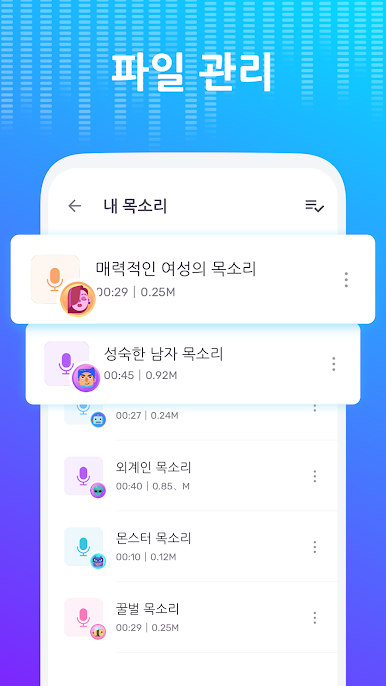
Ever wondered what you’d sound like as a robot, or maybe a monster? Voice Changer – Voice Effects from Dairy App & Notes & Audio Editor & Voice Recorder is all about having a bit of fun with your recordings. It lets you play around with different voice styles, sound effects, and just get creative with audio—whether you want to prank a friend, spice up a video, or just hear yourself as a cartoon character. If you’re into music-audio apps, you’ll find this one both entertaining and surprisingly versatile.
App Features
-
Loads of Voice Avatars
Switch things up with all kinds of voices—classic robots, aliens, zombies, or even animal sounds like sheep or bees. And yes, the classic options like female, male, and baby voices are here too. -
Voice Effects for All Occasions
Layer on sound effects that make your voice feel like it’s echoing in a cave, caught in a thunderstorm, or chatting on a bustling street. It takes your pranks, voiceovers, or just general audio fun to a whole new place. -
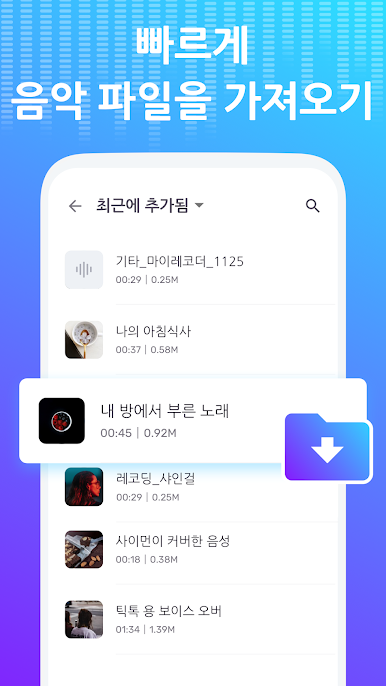
Change Voices in Audio Recordings
Take any audio file or quick voice memo and tweak it—raise or lower the pitch, switch the gender sound, or play with clarity and volume. You can even try out “rapper” or accent modes for extra laughs. -
Edit Video Voices Too
Not just about audio! You can add effects to video clips and make your voice stand out in your YouTube, TikTok, or any social posts. Instant way to make content more engaging (or hilarious). -
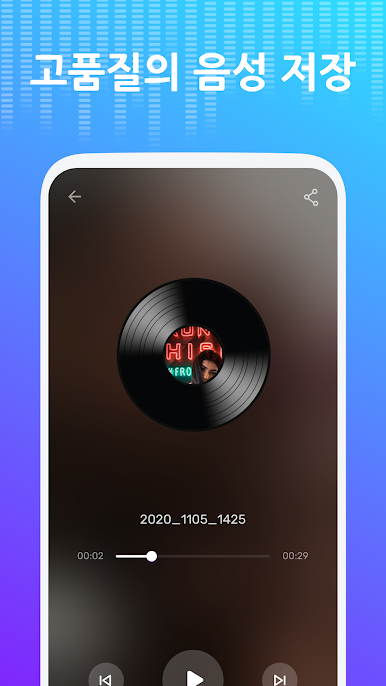
Easy-Sharing Built In
After creating your audio masterpiece, just share directly to social platforms or save for later. Handy if you want to keep your friends guessing—or giggling. -
Plenty of Free Features
Most of the good stuff is free, so you don’t have to worry about surprises—you get a whole suite of voices and effects right from the jump. -
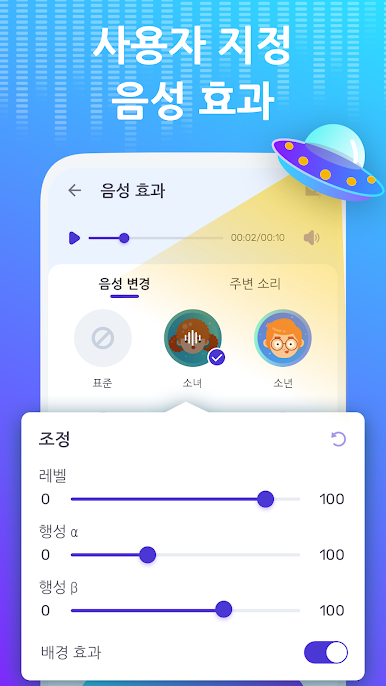
Customizable Settings
Fine-tune your voice effects manually if you want to get really precise about how you sound. -
Works Well on Different Devices
Fancy trying these features using BlueStacks? The app works great there, letting you explore voice effects on a bigger screen.
Voice Changer – Voice Effects is all about letting you sound however (or whoever) you want, anytime.
Switch to BlueStacks and make the most of your apps on your PC or Mac.




PC에서 보이스 체인저 - 음향 효과 & 음성 효과 플레이해보세요.
-
BlueStacks 다운로드하고 설치
-
Google Play 스토어에 로그인 하기(나중에 진행가능)
-
오른쪽 상단 코너에 보이스 체인저 - 음향 효과 & 음성 효과 검색
-
검색 결과 중 보이스 체인저 - 음향 효과 & 음성 효과 선택하여 설치
-
구글 로그인 진행(만약 2단계를 지나갔을 경우) 후 보이스 체인저 - 음향 효과 & 음성 효과 설치
-
메인 홈화면에서 보이스 체인저 - 음향 효과 & 음성 효과 선택하여 실행

