


Ekualiser Peningkatan Volume
Mainkan di PC dengan BlueStacks – platform Game-Game Android, dipercaya oleh lebih dari 500 juta gamer.

Play Volume & Bass Boost Equalizer on PC
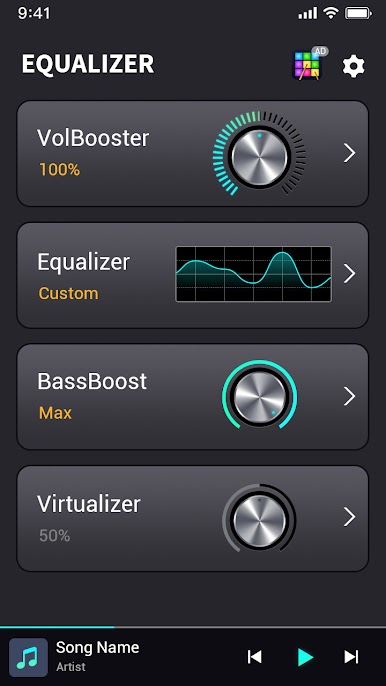
With Equalizer by your side, you can experience a high-quality music-listening fantasy.
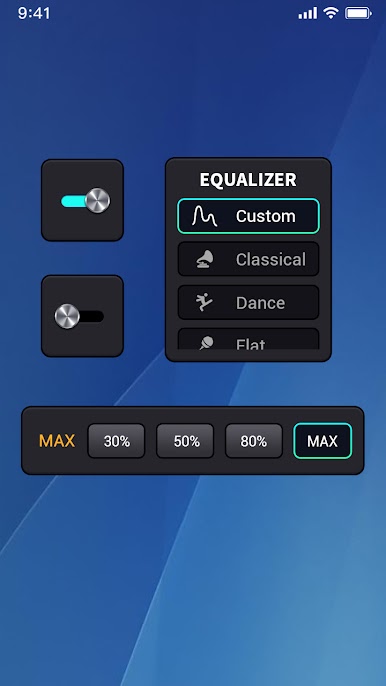
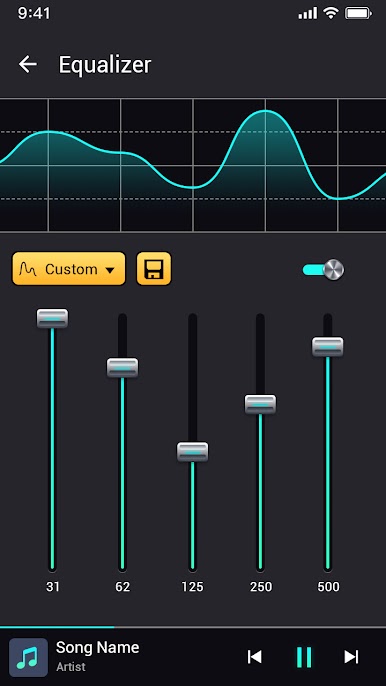
🎵 EQUALIZER
Changes audio frequency dynamics in 10 bands equalizer
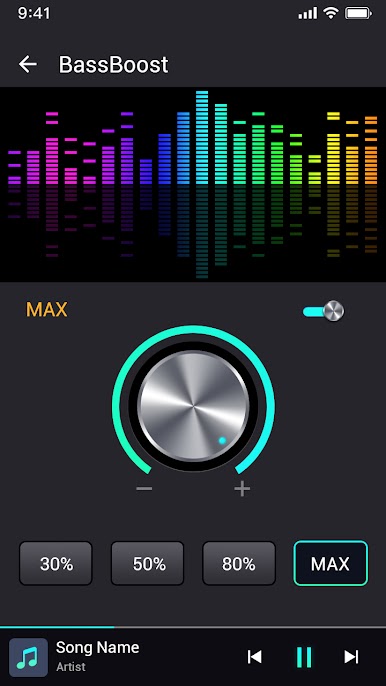
🎵 BASS BOOST
Brings bass sound to the front, making music sound deep boosted bass
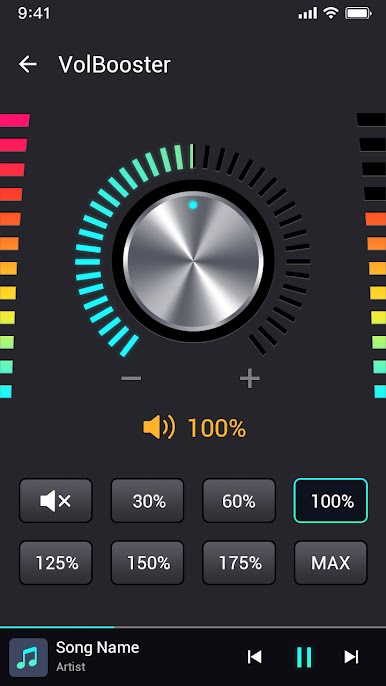
🎵 VOLUME BOOST
Allows you to boost phone volume to max 200% without compromising sound clarity(careful when using headphones)
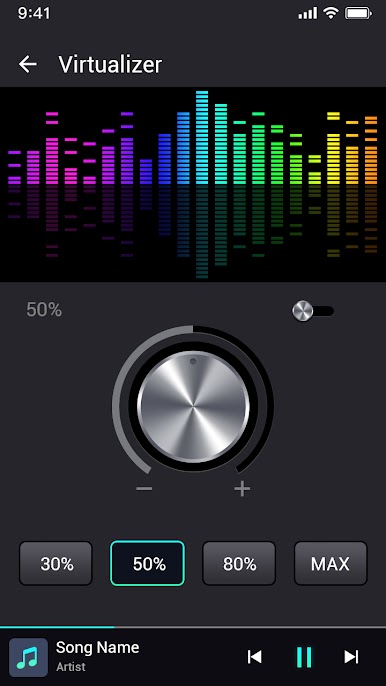
🎵 VIRTULIZER
Spatializes audio channels, enables you to experience live concerts in a car
The music equalizer app allows you to enhance the sound quality of your music library on your Android device. With a range of customizable audio settings and equalizer presets, you can easily adjust the bass, treble, and other sound levels to create a perfectly customized listening experience. Whether you're listening to your favorite songs or watching movies, the music equalizer app ensures optimal audio quality for all media.
So, if you're looking for an intelligent equalizer that can adapt to your needs and provide superb sound effects, look no further than this EQ App. Download Volume & Bass Boost Equalizer today and discover the power of having an incredible music enhancer right at your fingertips.
Mainkan Ekualiser Peningkatan Volume di PC Mudah saja memulainya.
-
Unduh dan pasang BlueStacks di PC kamu
-
Selesaikan proses masuk Google untuk mengakses Playstore atau lakukan nanti
-
Cari Ekualiser Peningkatan Volume di bilah pencarian di pojok kanan atas
-
Klik untuk menginstal Ekualiser Peningkatan Volume dari hasil pencarian
-
Selesaikan proses masuk Google (jika kamu melewati langkah 2) untuk menginstal Ekualiser Peningkatan Volume
-
Klik ikon Ekualiser Peningkatan Volume di layar home untuk membuka gamenya

