


西班牙语语法 A1–C1
在電腦上使用BlueStacks –受到5億以上的遊戲玩家所信任的Android遊戲平台。

Run Spanish Grammar Test on PC or Mac
Why limit yourself to your small screen on the phone? Run Spanish Grammar Test, an app by Apps2all, best experienced on your PC or Mac with BlueStacks, the world’s #1 Android emulator.
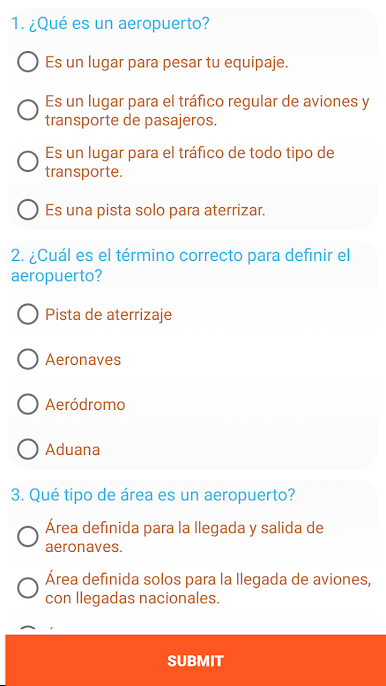
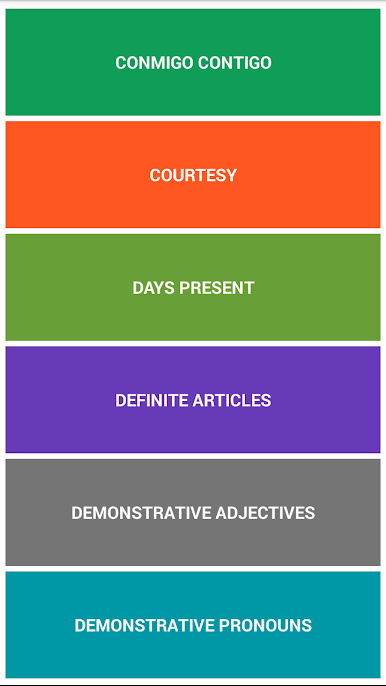
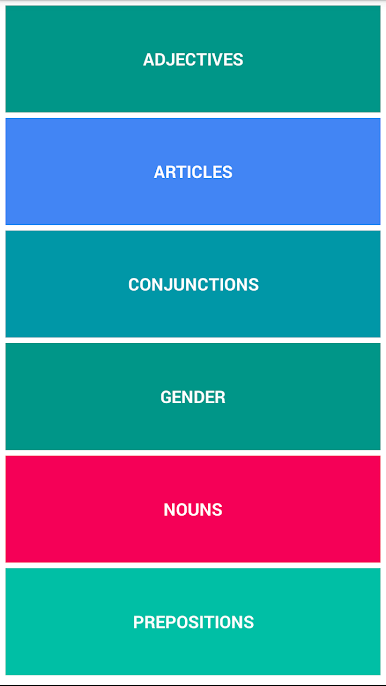
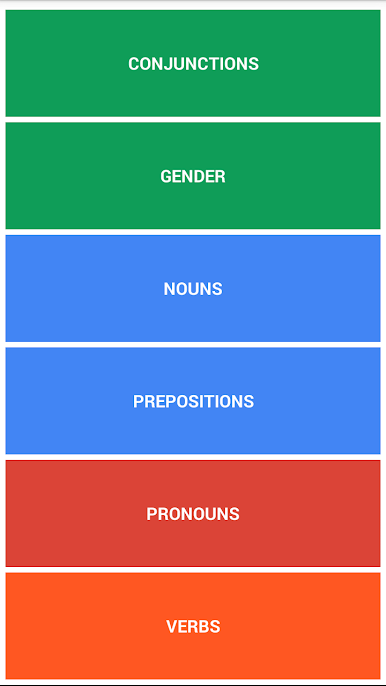
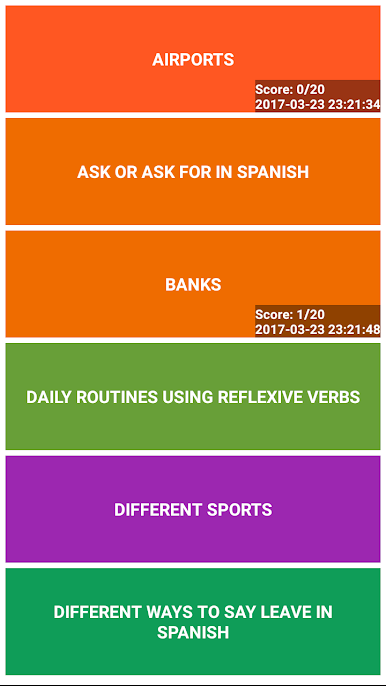
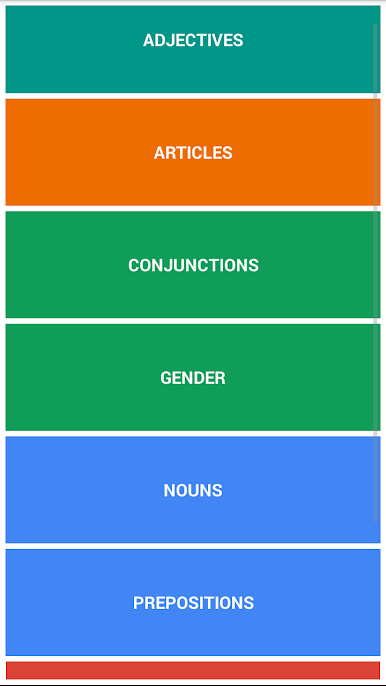
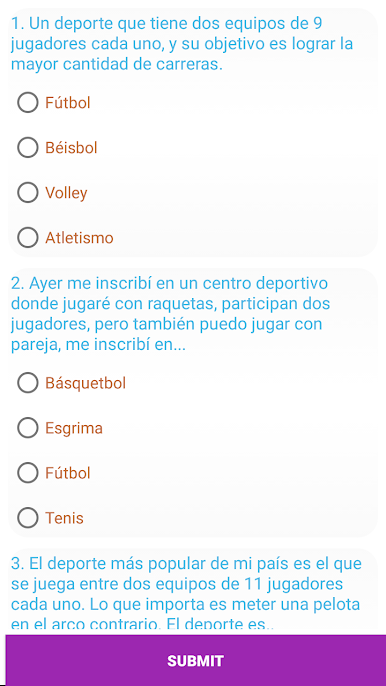
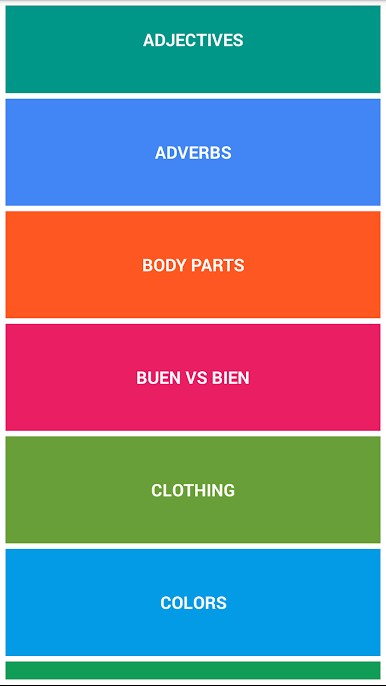
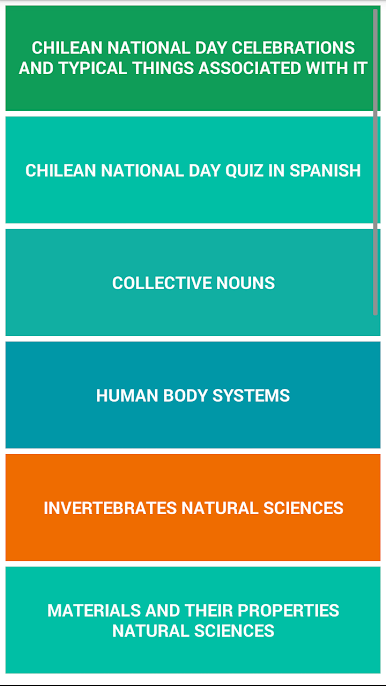
It is basically a giant drill book turned into an app, full of multiple-choice questions for Spanish grammar and vocabulary. There are well over ten thousand items, with clear sections for basic, intermediate, and advanced vocabulary, plus thousands more exercises focused on verbs, nouns, sentence structure and common grammar points. Playing it feels like doing quick quizzes one after another, so it is good for short study sessions or for opening up between other things and knocking out a few rounds. The questions are straightforward and repetitive in a useful way, which helps certain rules stick after a few tries.
The interface is plain and functional, not flashy, so attention stays on the questions rather than animations. Some wording can be a little rough here and there, but the content covers a lot of ground and that makes up for it. On a PC using BlueStacks, tapping or clicking through the exercises is easier and faster, and a bigger screen helps when scanning choices. It will suit someone who likes structured practice, clear categories, and steady repetition rather than games or fancy lessons.
Big screen. Bigger performance. Use BlueStacks on your PC or Mac to run your favorite apps.
在電腦上遊玩西班牙语语法 A1–C1 . 輕易上手.
-
在您的電腦上下載並安裝BlueStacks
-
完成Google登入後即可訪問Play商店,或等你需要訪問Play商店十再登入
-
在右上角的搜索欄中尋找 西班牙语语法 A1–C1
-
點擊以從搜索結果中安裝 西班牙语语法 A1–C1
-
完成Google登入(如果您跳過了步驟2),以安裝 西班牙语语法 A1–C1
-
在首頁畫面中點擊 西班牙语语法 A1–C1 圖標來啟動遊戲

