

Segundos Reloj
Juega en PC con BlueStacks: la plataforma de juegos Android, en la que confían más de 500 millones de jugadores.

Página modificada el: Jun 10, 2025
Run Seconds Clock on Status Bar on PC or Mac
Multitask effortlessly on your PC or Mac as you try out Seconds Clock on Status Bar, a Tools app by Wansoft on BlueStacks.
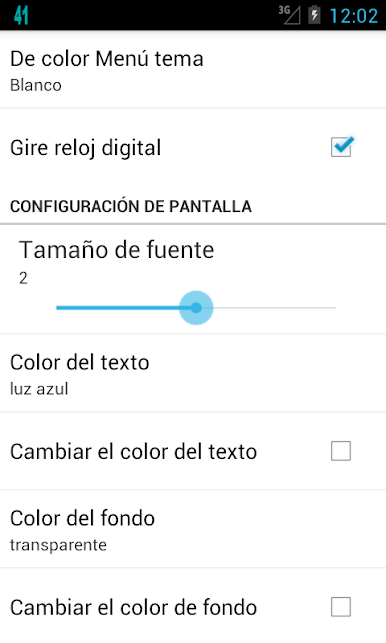
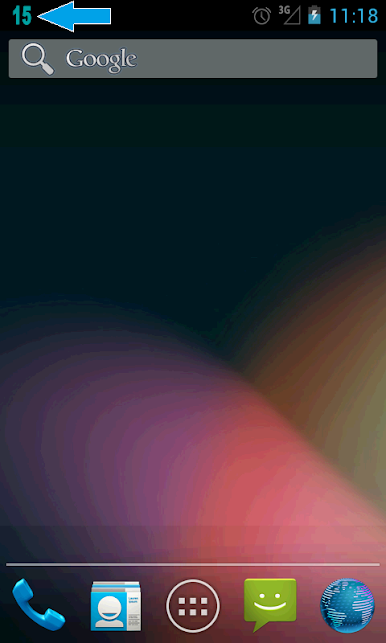
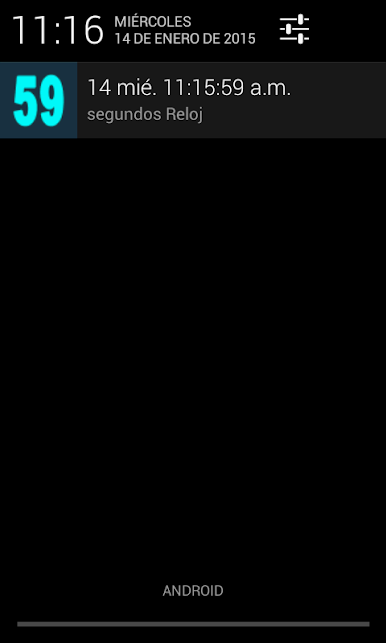
Seconds Clock on Status Bar is one of those tiny utilities that does exactly what the name says and somehow feels oddly satisfying. It puts a live seconds counter right up in the notification area, so the time is always ticking in clear view. There is a simple setting to line up the seconds precisely, which is handy for anyone who cares about exact timing, whether that is for meetings, speedruns, or just keeping things synced. The look is not locked either. The color can be changed, so the digits pop against whatever theme is on the phone or emulator.
What stands out is how quick it is to turn the clock on or off. There is a small widget for the home screen that acts like a light switch, and there is a shake gesture that can toggle it too. On PC with BlueStacks, it still shows up along the top just like a normal Android status item, so it is easy to glance at while working in other windows. BlueStacks even has a shake control, so that gesture is still usable when the phone is not in hand. No fluff, no cluttered menus, just a clean seconds display that anyone who likes exact timekeeping will appreciate. It feels lightweight and stays out of the way until it is needed.
BlueStacks gives you the much-needed freedom to experience your favorite apps on a bigger screen. Get it now.
Juega Segundos Reloj en la PC. Es fácil comenzar.
-
Descargue e instale BlueStacks en su PC
-
Complete el inicio de sesión de Google para acceder a Play Store, o hágalo más tarde
-
Busque Segundos Reloj en la barra de búsqueda en la esquina superior derecha
-
Haga clic para instalar Segundos Reloj desde los resultados de búsqueda
-
Complete el inicio de sesión de Google (si omitió el paso 2) para instalar Segundos Reloj
-
Haz clic en el ícono Segundos Reloj en la pantalla de inicio para comenzar a jugar

