


4000 Essential English Words 5
Chơi trên PC với BlueStacks - Nền tảng chơi game Android, được hơn 500 triệu game thủ tin tưởng.

Trang đã được sửa đổi vào: Aug 8, 2025
Run 4000 Essential English Words 5 on PC or Mac
What’s better than using 4000 Essential English Words 5 by Kelyn Le Studio? Well, try it on a big screen, on your PC or Mac, with BlueStacks to see the difference.
About the App
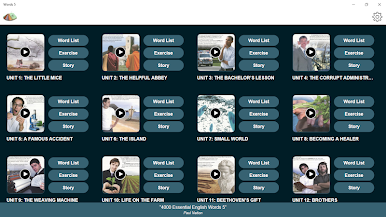
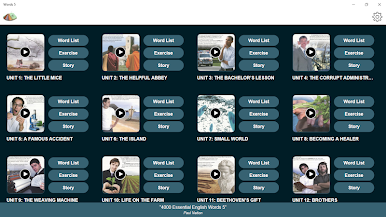
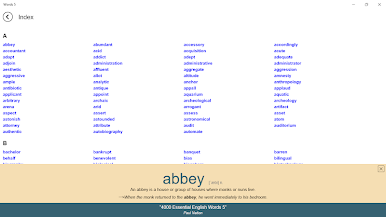
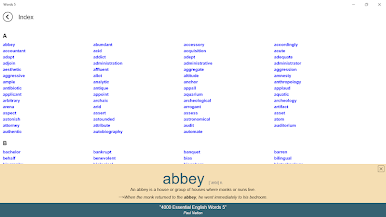
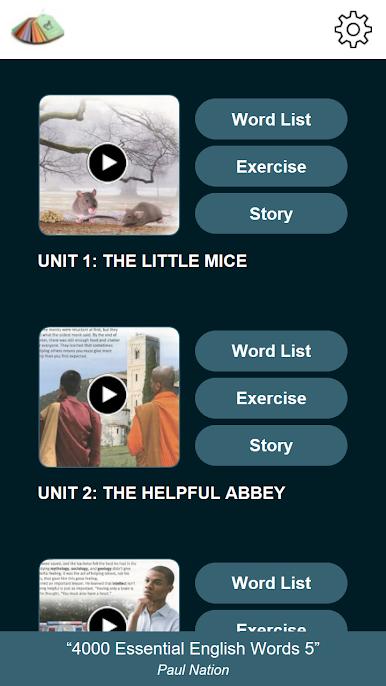
If you’re on a mission to add more English words to your vocabulary, 4000 Essential English Words 5 from Kelyn Le Studio is here to help. This app brings vocabulary study to life with a mix of lessons, practice, and stories—so there’s no boring memorization marathons. You can expect straightforward explanations, helpful examples, and lots of chances to use new words in different ways.
App Features
-
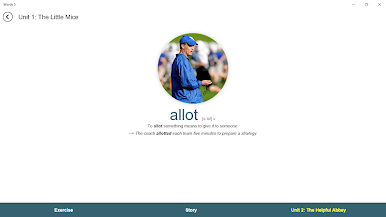
Intro Words with Context
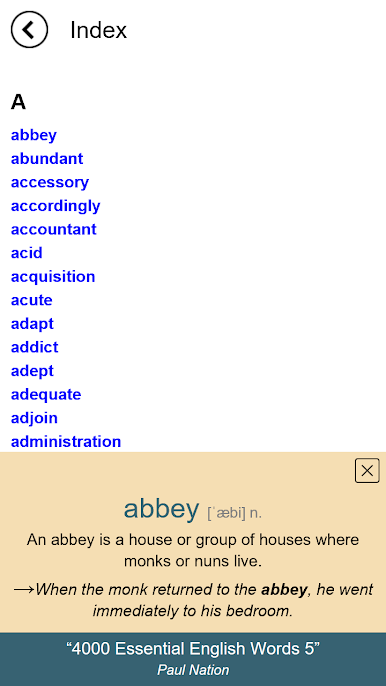
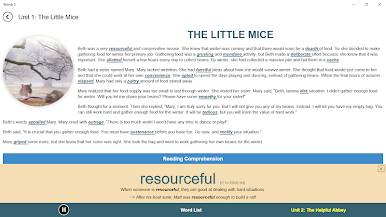
New words aren’t just tossed at you—they’re introduced with easy-to-follow definitions and sentences that actually make sense. No more guessing how words work in real life. -
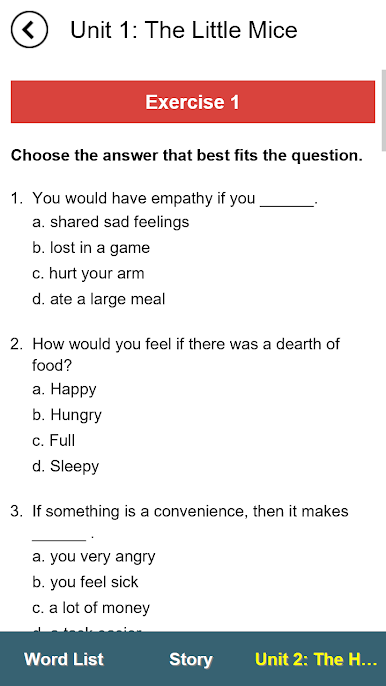
Engaging Practice Activities
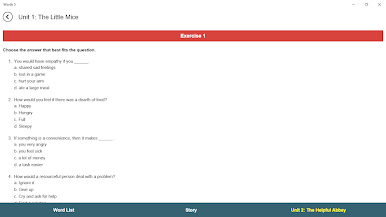
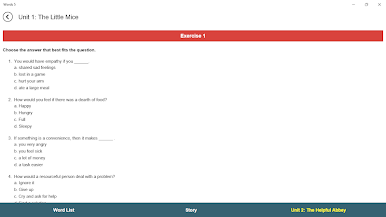
Each unit comes packed with activities to help you remember both the meaning and the form of each word. You’ll answer questions, fill in sentences, and find yourself thinking about how to use the words instead of just repeating them. -
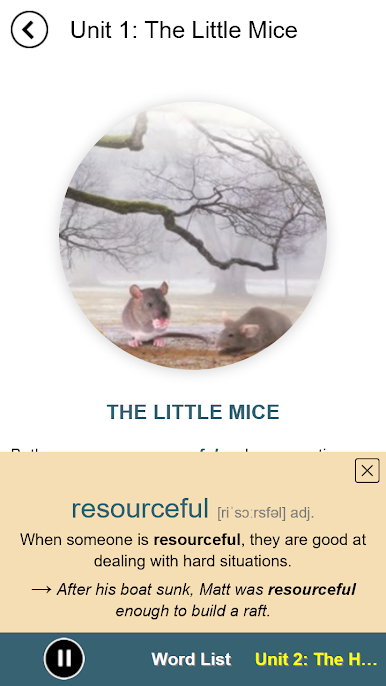
Stories That Boost Memory
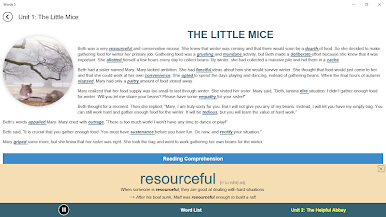
Every unit ends with a short story using the new words you’ve learned. Reading these stories is like a pop quiz you actually want to take. You get to see how the words play out in context, which makes them stick. -
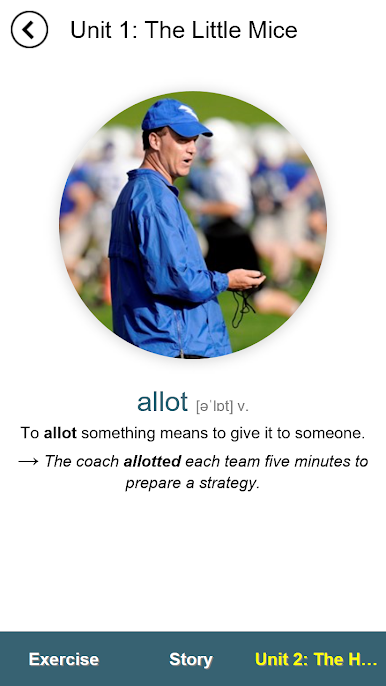
Visual Learning Plus Examples
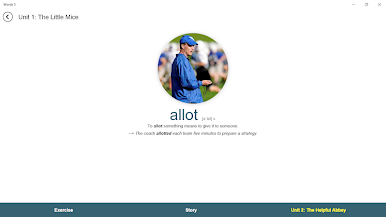
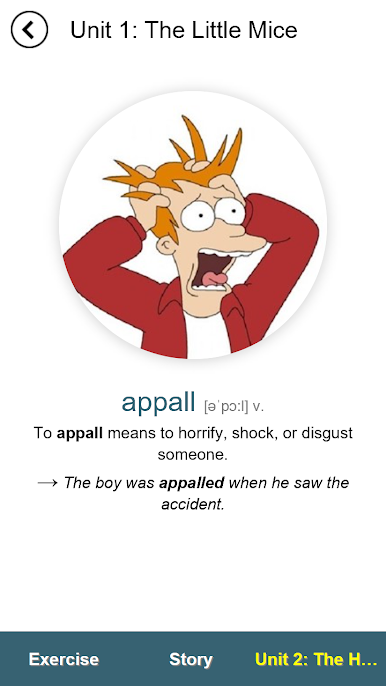
Got a thing for pictures? Each target word is paired with an illustration and a real-deal example sentence. This combo helps you connect the word’s meaning with how it looks and sounds in use, making recall way easier later on. -
Focus on Common Usage
You’ll notice each word shown in its most frequently used form—usually as a noun, verb, or adjective. It’s practical, straightforward, and keeps things simple as you build up your vocabulary. -
Built for Consistency
Sticking to your study streak’s much easier when you’ve got variety: definitions, practice, visual cues, and stories all in one spot.
And a quick tip: If you like to study using your computer, you can run 4000 Essential English Words 5 on BlueStacks for a comfy big-screen experience.
Eager to take your app experience to the next level? Start right away by downloading BlueStacks on your PC or Mac.





Chơi 4000 Essential English Words 5 trên PC. Rất dễ để bắt đầu
-
Tải và cài đặt BlueStacks trên máy của bạn
-
Hoàn tất đăng nhập vào Google để đến PlayStore, hoặc thực hiện sau
-
Tìm 4000 Essential English Words 5 trên thanh tìm kiếm ở góc phải màn hình
-
Nhấn vào để cài đặt 4000 Essential English Words 5 trong danh sách kết quả tìm kiếm
-
Hoàn tất đăng nhập Google (nếu bạn chưa làm bước 2) để cài đặt 4000 Essential English Words 5
-
Nhấn vào icon 4000 Essential English Words 5 tại màn hình chính để bắt đầu chơi

