


Timbre: AI Audio Video Editor
Jogue no PC com BlueStacks - A Plataforma de Jogos Android, confiada por mais de 500 milhões de jogadores.

Página modificada em: Dec 9, 2025
Run Timbre: Cut, Join, Convert Mp3 Audio & Mp4 Video on PC or Mac
Let BlueStacks turn your PC, Mac, or laptop into the perfect home for Timbre: Cut, Join, Convert Mp3 Audio & Mp4 Video, a fun Music & Audio app from Xeus.
About the App
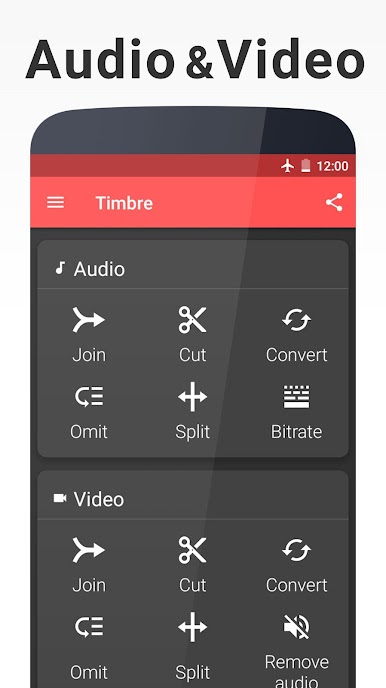
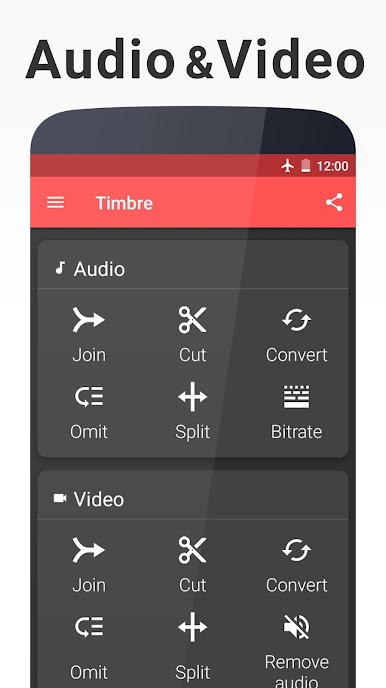
If you’ve ever wanted a super simple way to edit your music or videos—all on your phone—Timbre: Cut, Join, Convert Mp3 Audio & Mp4 Video is the answer. Made by Xeus, this Music & Audio app cuts out the confusion and lets you do everything from splicing together tracks to converting video formats in a few taps. With Timbre, tweaking audio files, chopping up videos, or making ringtones feels like second nature, whether you’re a total beginner or just in a rush.
App Features
-
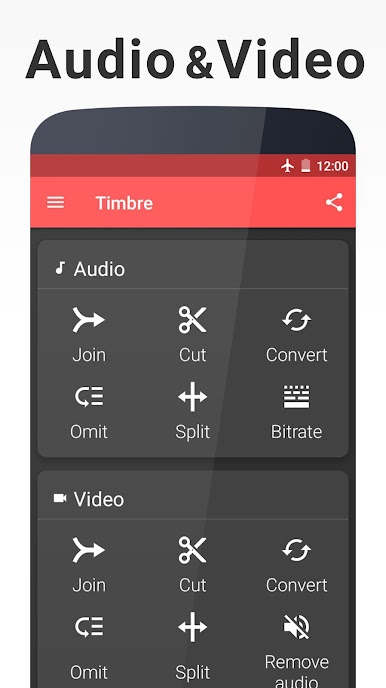
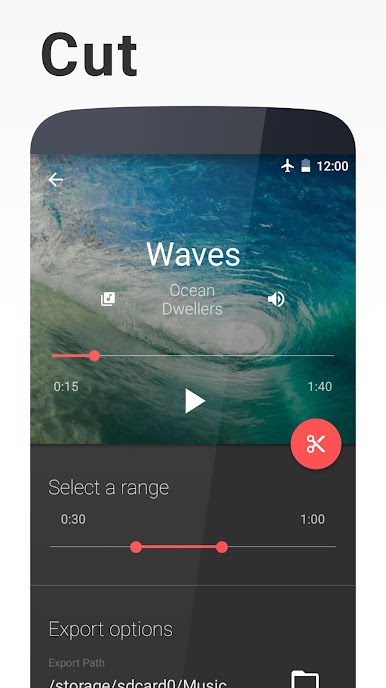
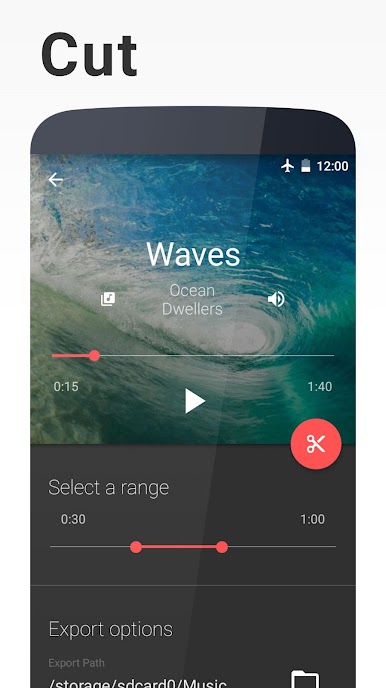
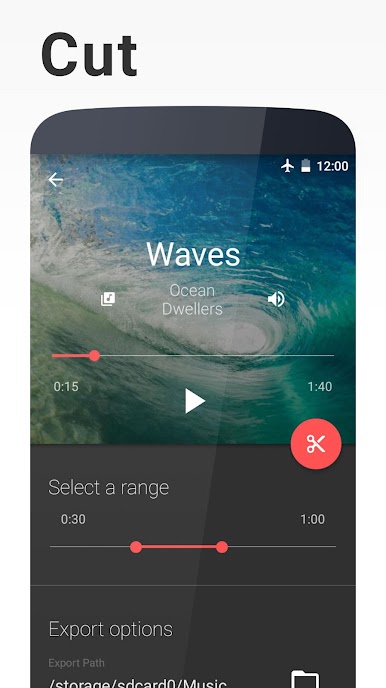
Cut, Split & Remove Segments
Slice out the best parts of your favorite songs or videos, trim out awkward silences, or chop files into two with easy-to-use sliders. Lost in a long clip? Just snip out the section you don’t want. -
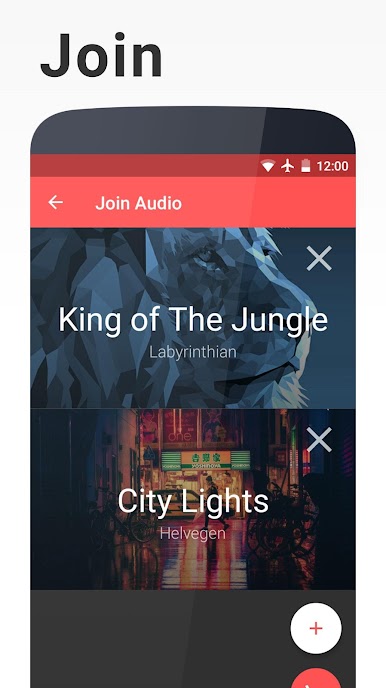
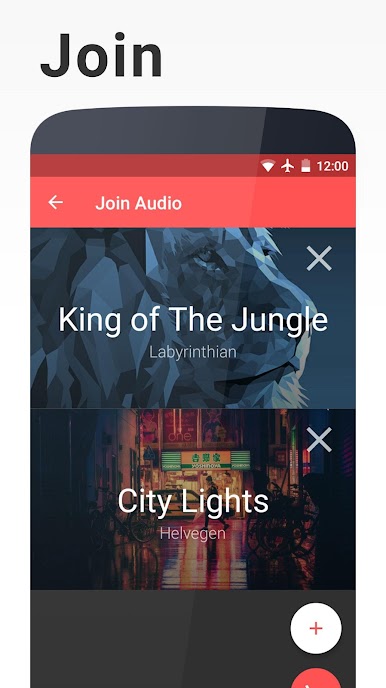
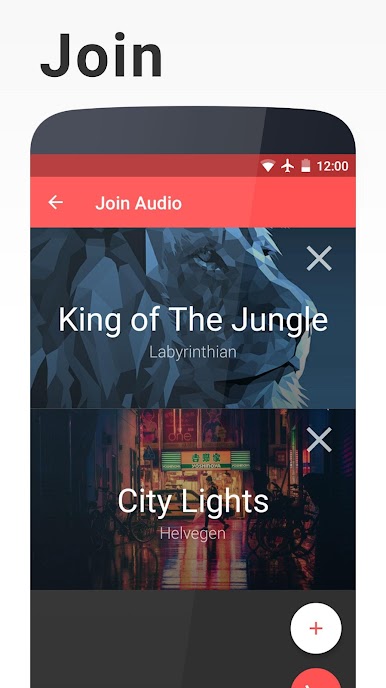
Join Multiple Files
No more jumping between songs or merging videos in complicated editors. With Timbre, you just stack up your files—audio or video—and blend them into a single, seamless track. -
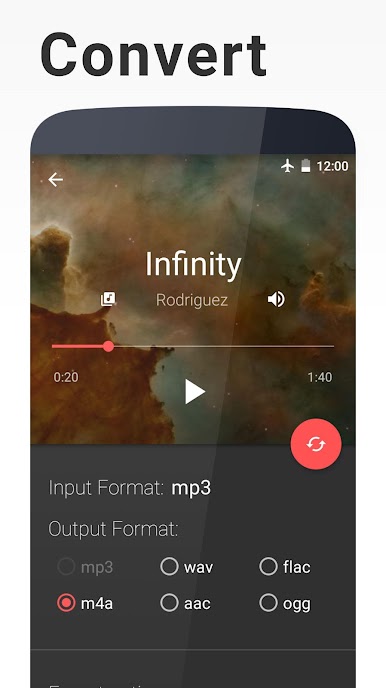
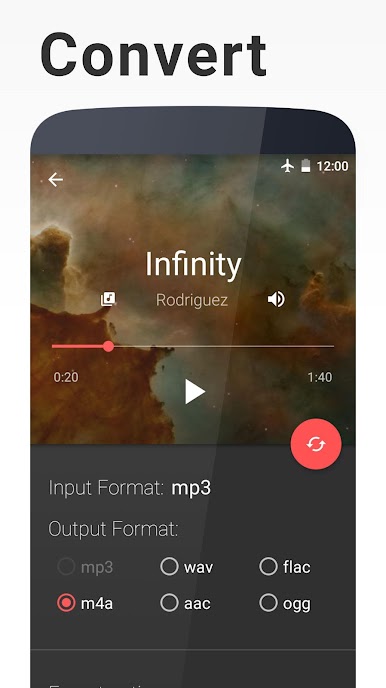
Convert Across Tons of Formats
Need your music in mp3 or your video in another format? Timbre can handle everything from mp4 to mkv, FLAC to M4A, and more—even those less common formats that other apps ignore. -
Extract Audio & Video
Found a video with a soundtrack you love? Quickly pull the audio out and save it as an mp3. Or, if you prefer visuals, grab a funny moment and turn it into a GIF in seconds. -
Change Speed & Bitrate
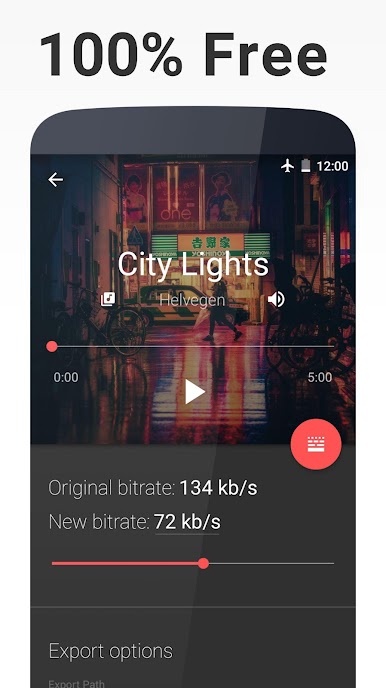
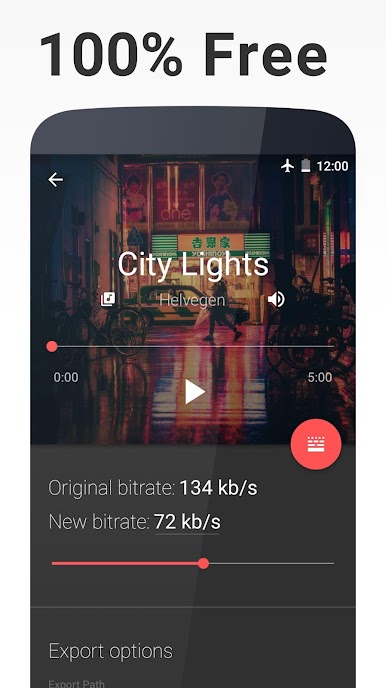
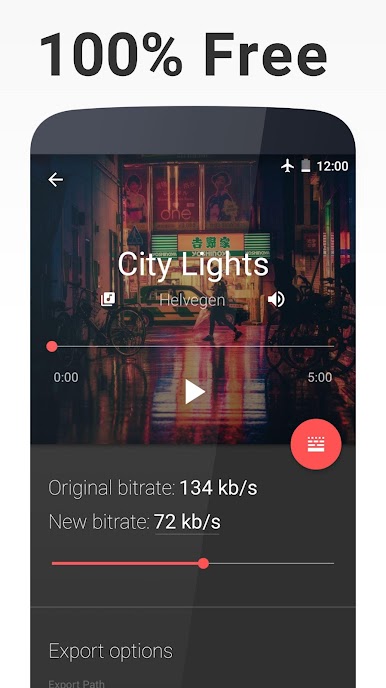
Speed up that podcast or slow down a video for dramatic effect—changing playback speed is simple. Want to shrink file size? Lower the bitrate without losing everything in the process. -
Text to Speech
Type up a quick memo or paste any text, then listen to Timbre turn it into spoken audio. Save it as a file if you want to keep things hands-free. -
Direct FFmpeg Console Access
For users who like to tweak settings on a more technical level, there’s direct access to raw FFmpeg commands right in the app.
And yes, Timbre is a great match for both audio and video projects—especially handy if you’re running it through BlueStacks on a bigger display. All that editing power, ready whenever inspiration strikes.
BlueStacks gives you the much-needed freedom to experience your favorite apps on a bigger screen. Get it now.
Jogue Timbre: AI Audio Video Editor no PC. É fácil começar.
-
Baixe e instale o BlueStacks no seu PC
-
Conclua o login do Google para acessar a Play Store ou faça isso mais tarde
-
Procure por Timbre: AI Audio Video Editor na barra de pesquisa no canto superior direito
-
Clique para instalar Timbre: AI Audio Video Editor a partir dos resultados da pesquisa
-
Conclua o login do Google (caso você pulou a etapa 2) para instalar o Timbre: AI Audio Video Editor
-
Clique no ícone do Timbre: AI Audio Video Editor na tela inicial para começar a jogar

